Kahoot vs Quizizz: Which Quiz Platform is Better for Your Classroom?

Dr. Michelle Rodriguez
Education Technology Specialist & Former Curriculum Director
An in-depth, side-by-side comparison of Kahoot and Quizizz for K-12 educators. We break down features, pricing, pros, cons, and how SchoolGPT compares to both.
Quick Overview
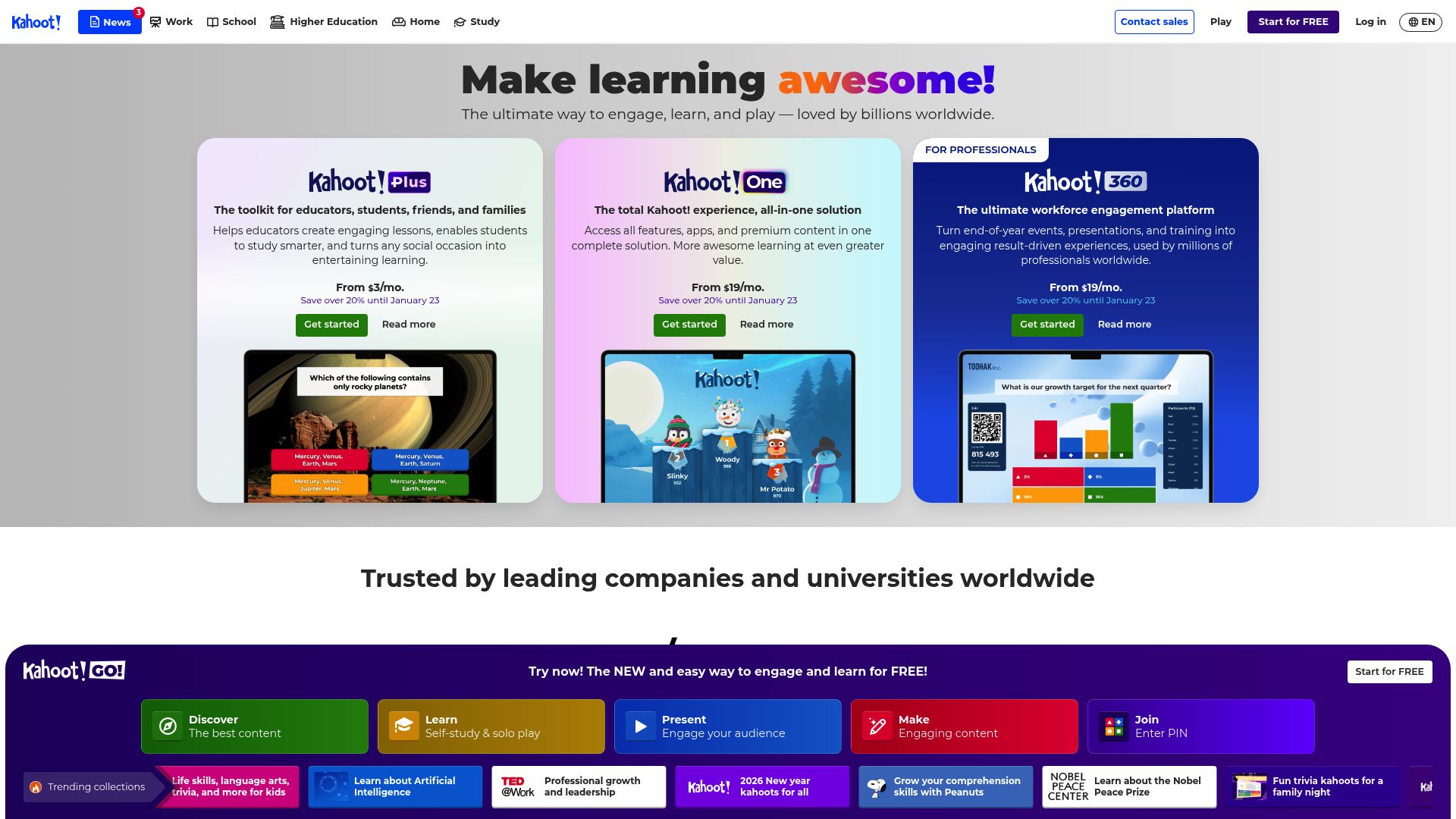
Kahoot is a game-based learning platform that makes classroom engagement fun and competitive. Teachers create interactive quizzes that students answer in real-time on their devices, with a leaderboard driving friendly competition. It is one of the most recognized edtech brands worldwide.
Price
$7.99/mo
Best for
Teachers who want high-energy live classroom activities and competitive engagement
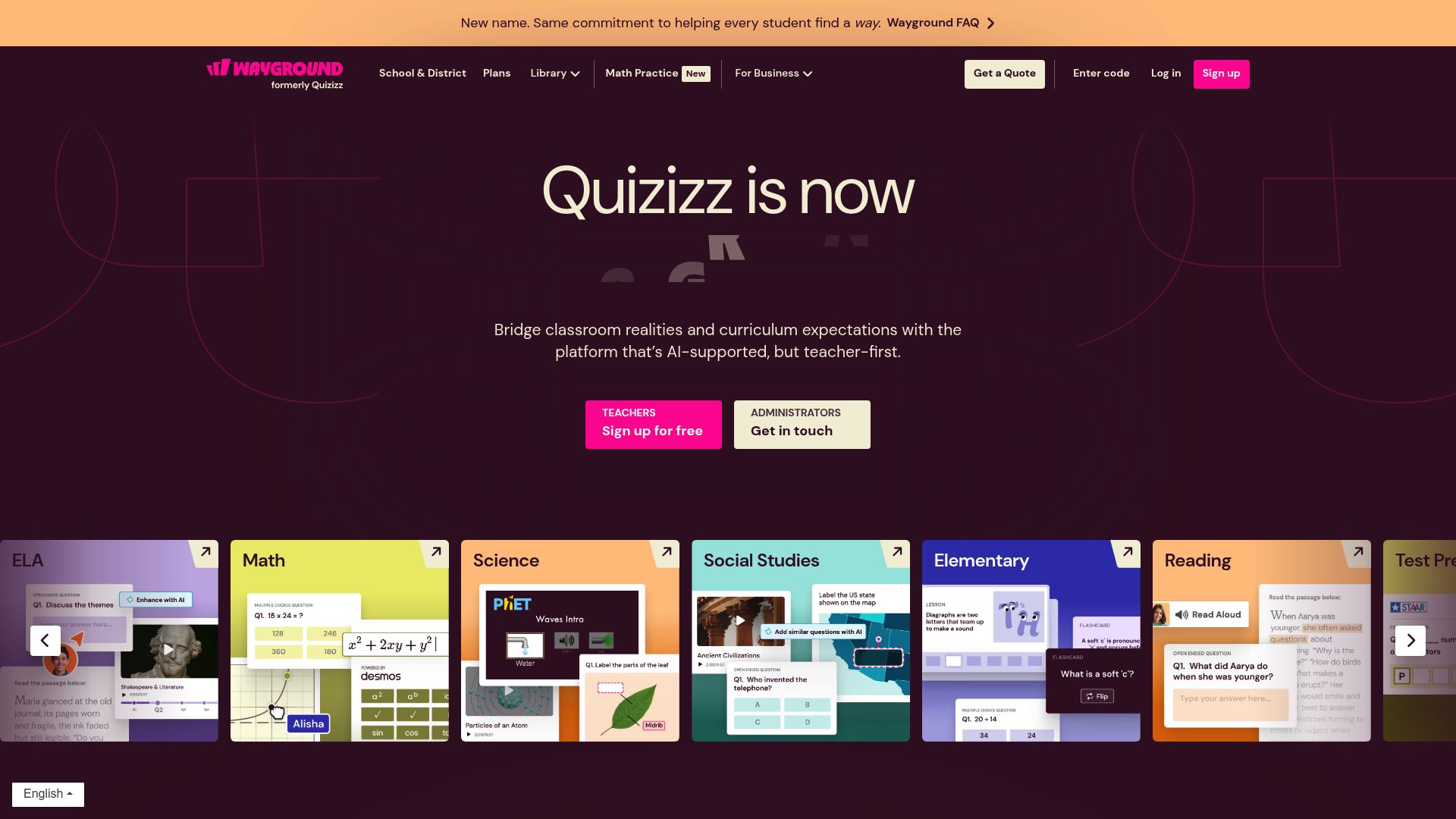
Quizizz is a versatile gamified learning platform that supports both live and self-paced quizzes. Unlike Kahoot, Quizizz lets students work through questions at their own pace, making it ideal for homework, review sessions, and differentiated instruction. Its robust free tier makes it popular with budget-conscious educators.
Price
$8.33/mo
Best for
Teachers who need flexible quiz formats for both in-class and homework assignments
Feature-by-Feature Comparison
How Kahoot, Quizizz, and SchoolGPT stack up across the features that matter most to teachers.
| Feature | Kahoot | Quizizz | SchoolGPT |
|---|---|---|---|
Live Game Mode Real-time competitive quiz gameplay in the classroom | |||
Self-Paced Mode Students work through quizzes at their own speed | |||
Homework Assignment Assign quizzes as take-home work | Paid only | ||
AI Quiz Generation Generate quizzes from topics or text using AI | Basic | Basic | Advanced |
Question Types Variety of question formats available | 4 types | 7+ types | Multiple choice, open-ended |
Free Tier Features available without paying | Limited | Generous | Full trial |
Standards-Aligned Content Auto-alignment to Common Core, NGSS, and state standards | |||
Lesson Plan Integration Generate full lesson plans alongside assessments | |||
Price Monthly cost for premium features | $7.99/mo | $8.33/mo | $6.50/mo |
Kahoot: Pros & Cons
An unbiased look at what Kahoot does well and where it falls short for teachers.
Strengths
- Highly engaging live game-based format
- Massive library of community-created content
- Strong brand recognition-students love it
- Music and animations boost engagement
- Works on any device with a browser
Weaknesses
- Live-only format limits asynchronous use
- Free tier limits quiz length and features
- Competition focus can stress some students
- Limited question types beyond multiple choice
- Creating quality quizzes is time-consuming
Quizizz: Pros & Cons
An unbiased look at what Quizizz does well and where it falls short for teachers.
Strengths
- Both live and self-paced quiz modes
- Generous free tier with most features included
- Homework mode for asynchronous learning
- More question types including open-ended
- Detailed performance analytics for teachers
Weaknesses
- Less exciting live game atmosphere than Kahoot
- UI can feel cluttered with many options
- Self-paced mode reduces competitive engagement
- Smaller community content library than Kahoot
- Advanced reporting only in paid plans
Kahoot vs Quizizz: The Bottom Line
Kahoot excels at creating high-energy, competitive live games that get students excited. Quizizz offers more flexibility with self-paced modes and homework assignments. Both are excellent for gamified assessment, but neither helps you create the lesson content itself. SchoolGPT complements both platforms perfectly: use SchoolGPT to generate standards-aligned quiz questions, lesson plans, and differentiated materials, then import your questions into Kahoot or Quizizz for gamified delivery. Together, they create a complete teaching workflow.
Try SchoolGPT as an alternative
The best of both worlds at a fraction of the cost
- 20+ education-specific AI tools with no prompt engineering required
- Standards alignment for Common Core, NGSS, and state standards
- Just $6.50/month (billed annually) - less than half the cost
Dr. Michelle Rodriguez
Education Technology Specialist & Former Curriculum Director
Ed.D. in Curriculum and Instruction, University of Texas at Austin
What you get with SchoolGPT
Purpose-built AI tools for every teaching task. No prompt engineering required.
Sub Plan Generator
Generate detailed substitute teacher plans with activities and procedures.
Choice Board Generator
Create differentiated choice boards with engaging activity options for students.
Letter of Recommendation
Generate a customized letter of recommendation to an institution for a student.
Text Leveler
Level any text to adapt it to fit a student's reading level / skills.
Bell Ringer Generator
Generate engaging warm-up activities and bell ringer questions.
Lesson Plan
Generate a lesson plan based on a standard, topic, or objective.
Other tool comparisons
Explore more head-to-head comparisons of popular AI tools for educators.
MagicSchool vs ChatGPT
MagicSchool vs ChatGPT: Which AI tool is better for teachers? Compare features, pricing, and ease of use. Discover how SchoolGPT combines the best of both.
Read comparisonMagicSchool vs Eduaide
MagicSchool vs Eduaide for teachers: compare pricing, lesson planning, worksheet tools, templates, pros, cons, and alternatives for K-12 classrooms.
Read comparisonDiffit vs MagicSchool
Compare Diffit vs MagicSchool for text differentiation, leveled materials, pricing, and teacher workflows, plus where SchoolGPT fits.
Read comparisonKhanmigo vs ChatGPT
Compare Khanmigo vs ChatGPT for tutoring, lesson planning, safety, pricing, and teacher workflows, plus where SchoolGPT fits.
Read comparisonKahoot vs Quizizz: FAQ
Is Kahoot or Quizizz better for classroom engagement?
Kahoot typically creates more excitement during live sessions with its competitive leaderboard and music. Quizizz is better for self-paced learning and homework. Many teachers use both depending on the situation.
Can I use Kahoot and Quizizz for free?
Both offer free tiers. Quizizz has a more generous free plan that includes most features. Kahoot's free tier limits quiz length and some features. SchoolGPT can help you create quiz content for either platform at $6.50/month.
Which platform has better analytics?
Quizizz provides more detailed student performance analytics in its free tier. Kahoot offers advanced reports in paid plans. SchoolGPT focuses on content creation rather than analytics, pairing well with either platform for a complete solution.
Can SchoolGPT generate questions for Kahoot or Quizizz?
Yes! SchoolGPT can generate standards-aligned multiple choice questions on any topic. You can then copy these questions into Kahoot or Quizizz to create engaging game-based assessments.
What is the best combination of tools for teachers?
Many teachers find that using SchoolGPT for content creation (lesson plans, quiz questions, rubrics) alongside Kahoot or Quizizz for gamified delivery creates the most effective workflow. SchoolGPT handles the planning, and the quiz platforms handle the engagement.
Done comparing?
Try the tool built for teachers.
Compare SchoolGPT with Kahoot, Quizizz, and other tools for lesson planning, grading support, and classroom workflows. Start free, no credit card required.
Get Started FreeIt's free to start, with one whole-class job a month and no credit card.