SchoolGPT vs Brisk Teaching: Complete Comparison for Teachers (2026)

Dr. Michelle Rodriguez
Education Technology Specialist & Former Curriculum Director
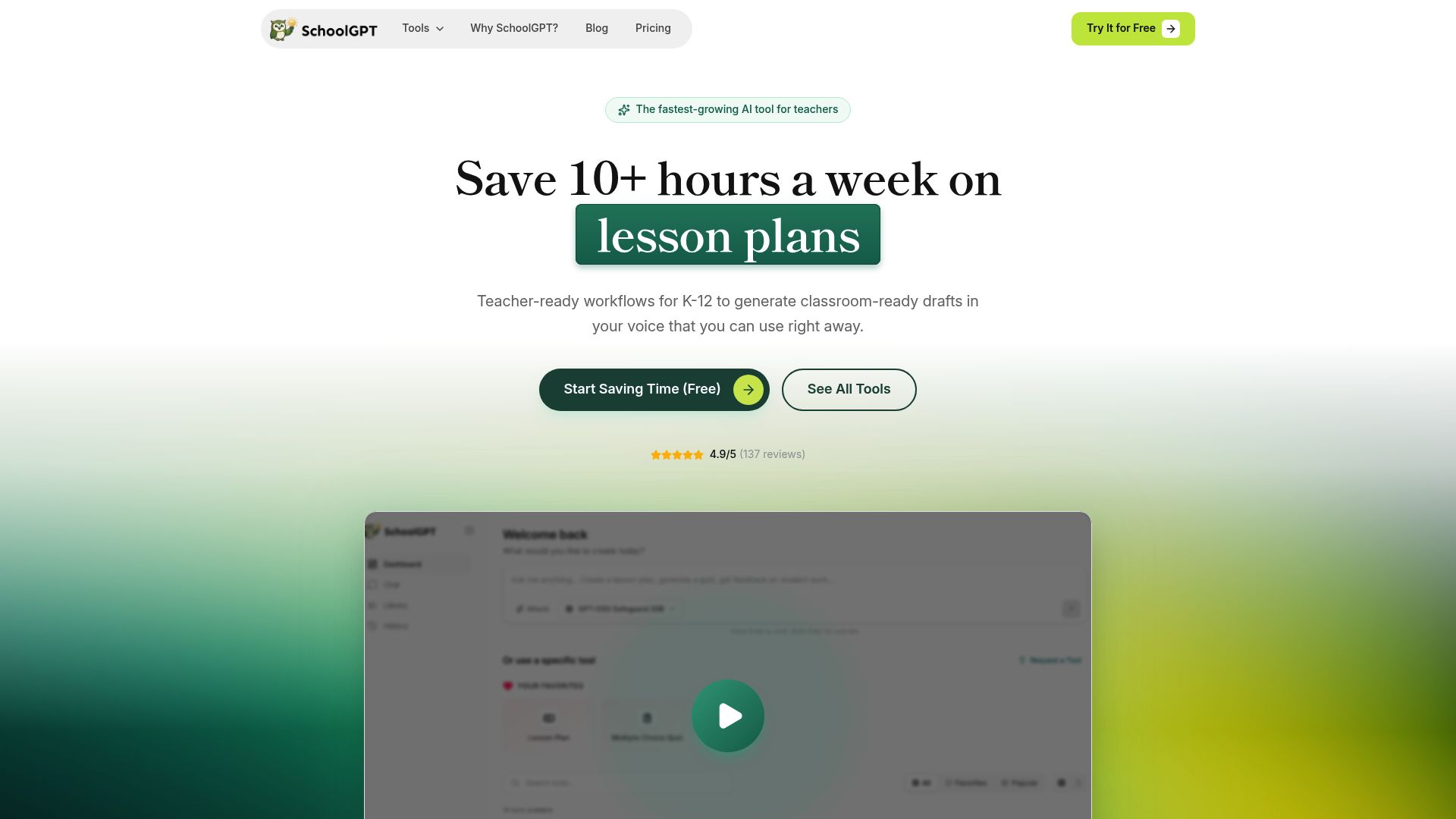
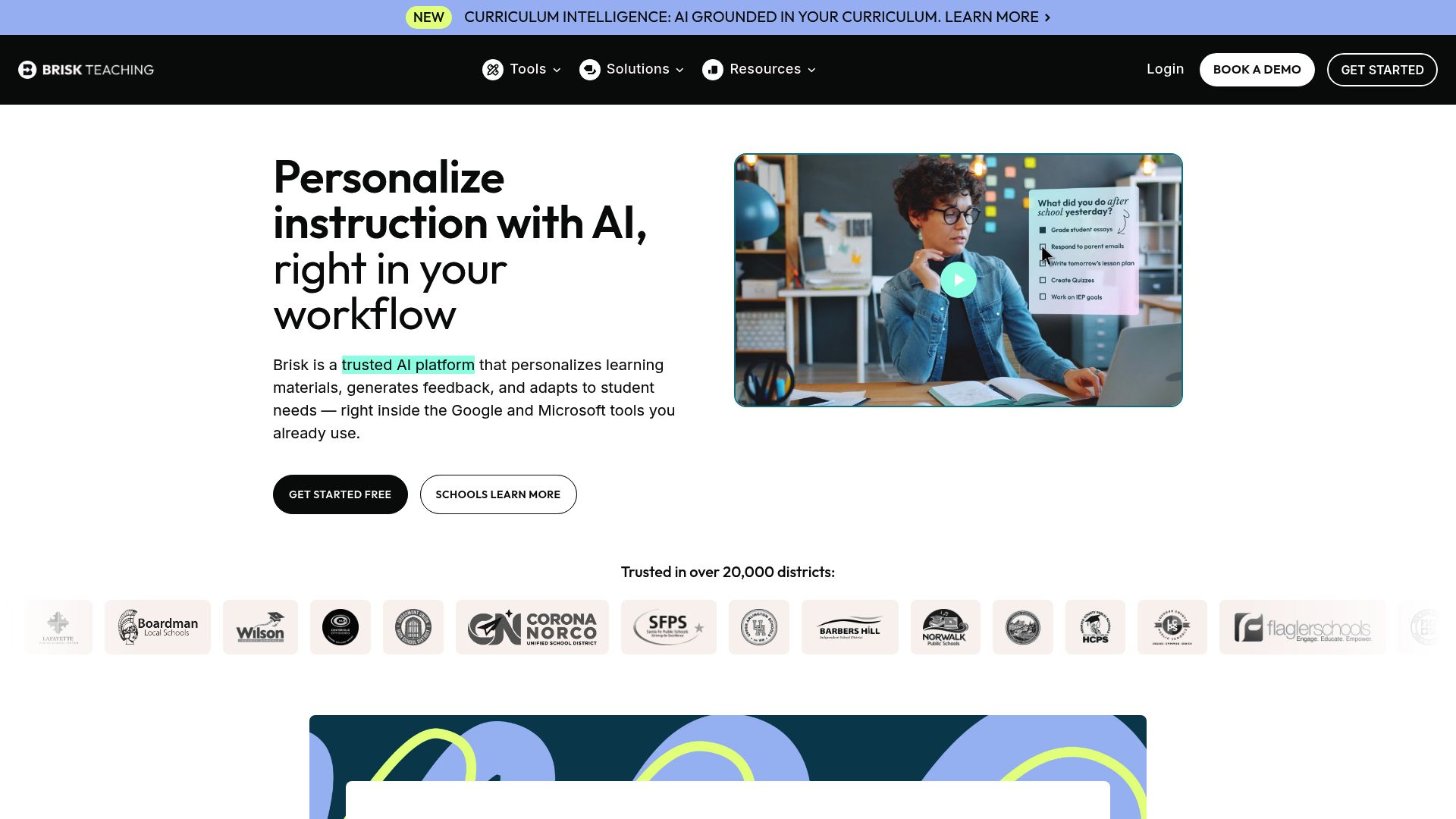
Brisk Teaching works inside Google Docs, Slides, YouTube, and LMS workflows through Chrome and Edge extensions. SchoolGPT is a standalone browser workspace for teachers who do not want an extension.
Pricing fit vs Brisk Teaching
SchoolGPT is priced for individual teachers and keeps the workflow focused on classroom drafting.
Ready-to-use templates
Pre-built tools for lesson plans, quizzes, rubrics, feedback, emails, and more-no prompting required.
Classroom workflow fit
Built for teacher-facing workflows like planning, feedback, rubrics, and family communication.
SchoolGPT: The balanced view
We believe in transparency. Here's what we do well and where Brisk Teaching might be better.
SchoolGPT strengths
- No Chrome or Edge extension required
- Works on any modern browser, including Safari and iPad browsers
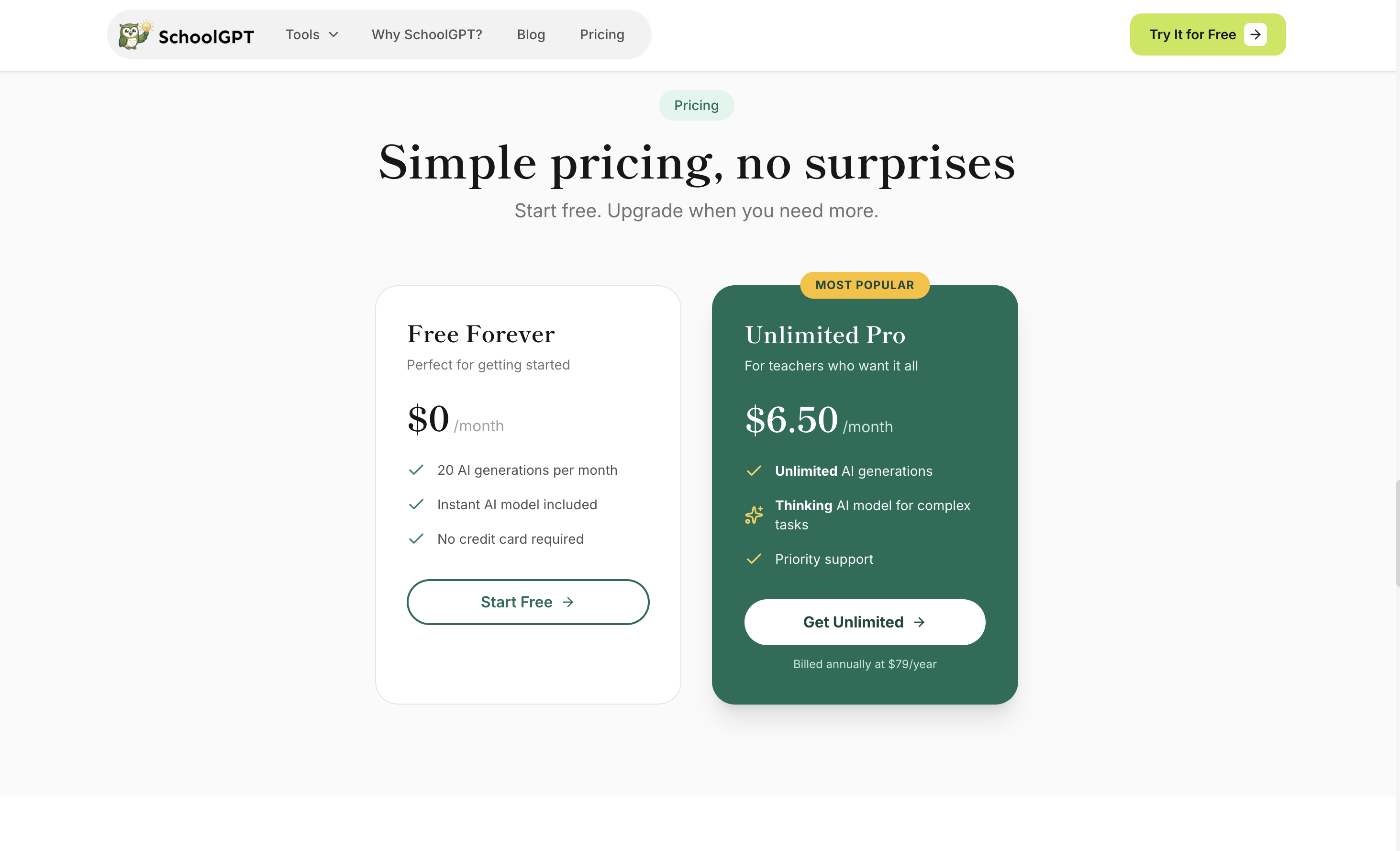
- Transparent individual Pro pricing at $79/year
- Guided workflows for batch feedback, URL-based creation, and teaching packs
Consider Brisk Teaching if you need
- Brisk integrates directly into Google Docs, Slides, YouTube, PDFs, and LMS workflows
- Brisk offers student-facing Boost activities and whiteboards
- Brisk has stronger school and district administration features
- Brisk Batch Feedback is deeper for Google Drive and Classroom folders
Why teachers switch to SchoolGPT
Brisk works where teachers work
Brisk's biggest advantage is in-place AI inside Google Docs, Slides, YouTube, PDFs, and LMS workflows. SchoolGPT does not try to beat that with an extension.
SchoolGPT works without installation
SchoolGPT runs in the browser. That matters for teachers on iPads, Safari, Firefox, locked-down devices, or schools where extension approval is slow.
Brisk has the stronger district story
Brisk offers admin dashboards, rostering, professional development, district context, and Curriculum Intelligence. SchoolGPT is currently stronger for individual teacher speed and simplicity.
SchoolGPT has transparent individual pricing
Brisk lists a free educator plan and custom school or district pricing. SchoolGPT publishes Pro at $79/year for individual teachers.
Both now cover Brisk-style workflows
SchoolGPT supports paste-based batch feedback, URL/source-based creation, and Teaching Packs. Brisk has deeper extension, Drive, Classroom, and student-facing workflows.
Pricing Comparison

SchoolGPT
Billed annually ($79/year)
The Full Story
Brisk Teaching is strongest where teachers already work: Google Docs, Slides, YouTube, PDFs, LMS pages, and school/district workflows. It offers a free educator plan, 35+ tools on school plans, Brisk Boost for student activities, Batch Feedback, Brisk Next recommendations, and district curriculum intelligence. SchoolGPT takes the lighter path: a browser-based teacher workspace with no extension install, transparent individual pricing, and guided tools for lesson plans, quizzes, feedback, rubrics, communication, batch feedback, URL-based creation, and teaching packs. Brisk is better for deep Google integration. SchoolGPT is better for teachers who want to create in the browser on any device.
Feature-by-Feature Comparison
| Feature | SchoolGPT | Brisk Teaching |
|---|---|---|
Public Paid Pricing Published individual pricing | $79/year | Custom school pricing |
Extension Required Whether teachers need a browser extension | Chrome/Edge | |
Google Docs Integration Working inside Google Docs | Copy/export | Native in-doc |
Teacher Tools Pre-built teacher workflows | 26+ | 35+ on school plans |
Batch Feedback Feedback on multiple submissions | Paste-based | Drive/Classroom folders |
Create from URL or YouTube Turn source content into classroom resources | ||
Teaching Packs / Bundles Generate multiple related resources | ||
Student Activities Student-facing AI experiences | Brisk Boost | |
Mobile and iPad Phone and tablet fit | Browser-based | Limited by extension workflow |
District Admin Dashboard School and district controls |
How Brisk Teaching compares to other AI teaching tools
Looking for alternatives? Here's how Brisk Teaching stacks up against other popular AI tools for teachers, including SchoolGPT.
| Tool | Price | AI Tools | Best For | Compare |
|---|---|---|---|---|
B Brisk Teaching | Free educator plan, custom school and district pricing | Varies | This page | Current |
SchoolGPT | $6.50/mo | 20+ | Individual teachers | Try Free |
C ChatGPT | $20/mo | Varies | AI assistance | Compare |
M MagicSchool.ai | $8.33/mo annual or $12.99/mo monthly | Varies | AI assistance | Compare |
E Eduaide.ai | $5.99/mo | Varies | AI assistance | Compare |
View all comparisons to find the best AI teaching tool for your needs.
What Teachers Use SchoolGPT For
A tool for every challenge
Browse our most popular AI-powered tools designed for educators.

Text Dependent Questions
Generate text-dependent questions based on any text.

Vocabulary List Generator
Generate a list of vocabulary words based on a subject, topic, or text.

Batch Feedback
Paste multiple student submissions and generate consistent feedback for the whole batch.

One-Pager Generator
Create visual one-pager templates for student summaries and reflections.

Worksheet Generator
Generate a worksheet based on any topic or text.

Syllabus Generator
Create professional course syllabi with policies, expectations, and schedules.

Weekly Planner
Plan your entire teaching week with daily objectives and activities.
Writing Feedback
Generate feedback on student writing based on custom criteria or a rubric.
Looking for something specific? Request a custom tool and we'll build it for you.
Independent Browser-Based Teaching Platform
Your Data, Your Control
SchoolGPT is designed with teacher privacy and school fit in mind from day one.
- No browser extension needed and no extra extension permissions
- Works independently of Google Workspace
- Your content is not used to train AI models
- Simple individual account workflow
- Teachers can use first names, initials, or labels for student work
Frequently Asked Questions
Common questions about switching from Brisk Teaching to SchoolGPT
The Verdict
Choose Brisk if your school lives in Google Workspace and wants extension-based AI inside documents, slides, YouTube, and LMS workflows. Choose SchoolGPT if you want a browser-based teaching workspace with no install, clear individual pricing, and fast tools for planning, feedback, quizzes, and teaching packs.