SchoolGPT vs Blooket: Complete Comparison for Teachers (2026)

Dr. Michelle Rodriguez
Education Technology Specialist & Former Curriculum Director
Blooket turns review into engaging games. SchoolGPT helps you create the content for those games AND handles all your other teaching needs.
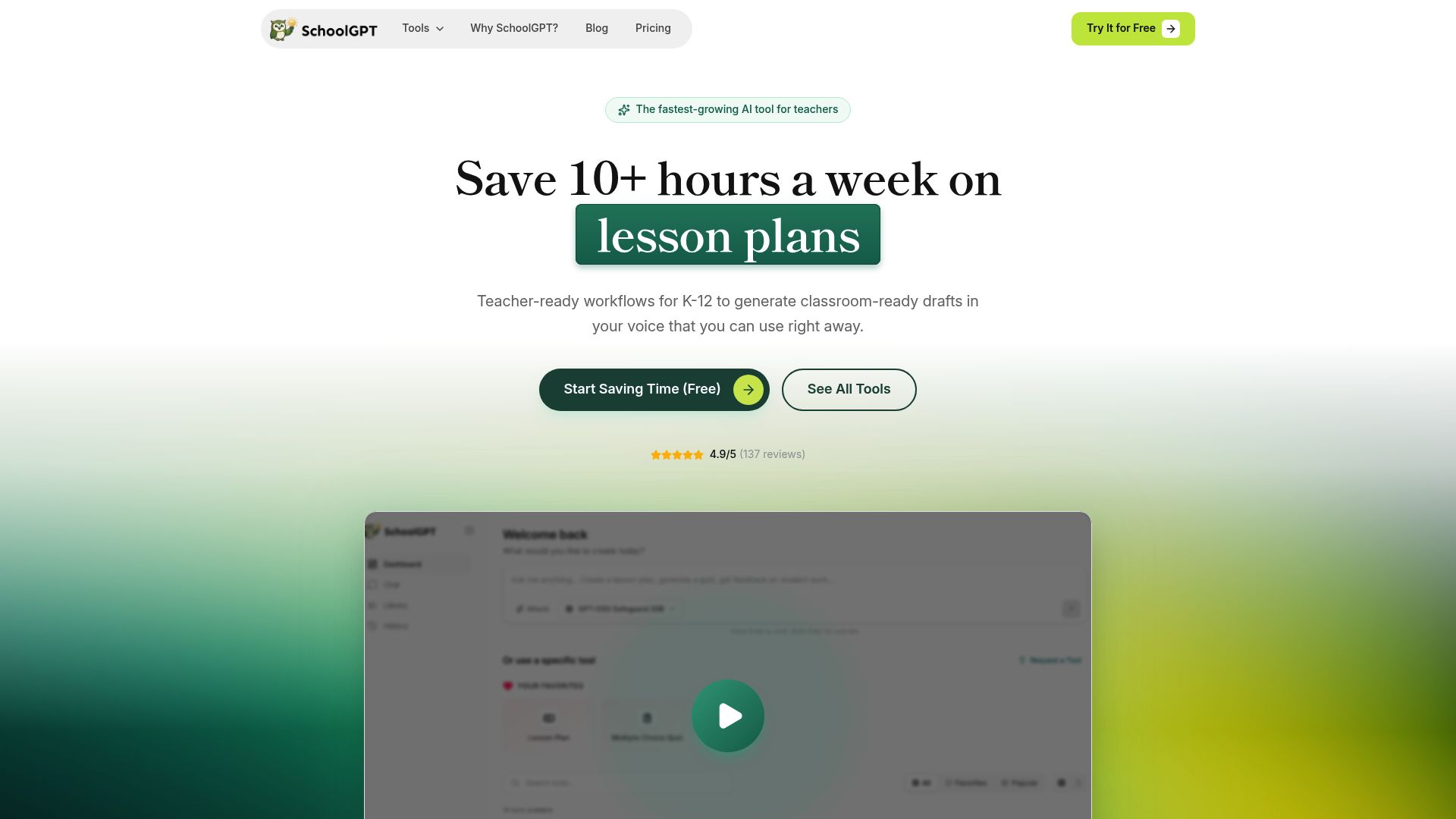
Pricing fit vs Blooket
SchoolGPT is priced for individual teachers and keeps the workflow focused on classroom drafting.
Ready-to-use templates
Pre-built tools for lesson plans, quizzes, rubrics, feedback, emails, and more-no prompting required.
Classroom workflow fit
Built for teacher-facing workflows like planning, feedback, rubrics, and family communication.
Why teachers switch to SchoolGPT
Create Blooket content instantly
Stop typing questions one by one. Generate a question set draft in SchoolGPT, then copy it to Blooket.
Everything beyond the games
Blooket does games brilliantly. SchoolGPT does the other 95% of teaching-lesson plans, grading, parent emails, IEPs, rubrics, and more.
Curriculum-aligned questions
Blooket's library is community-created. SchoolGPT generates questions aligned to your specific standards and learning objectives.
Complete lesson context
A Blooket game is part of your lesson. SchoolGPT helps you design the full lesson structure around the review game.
Pricing Comparison
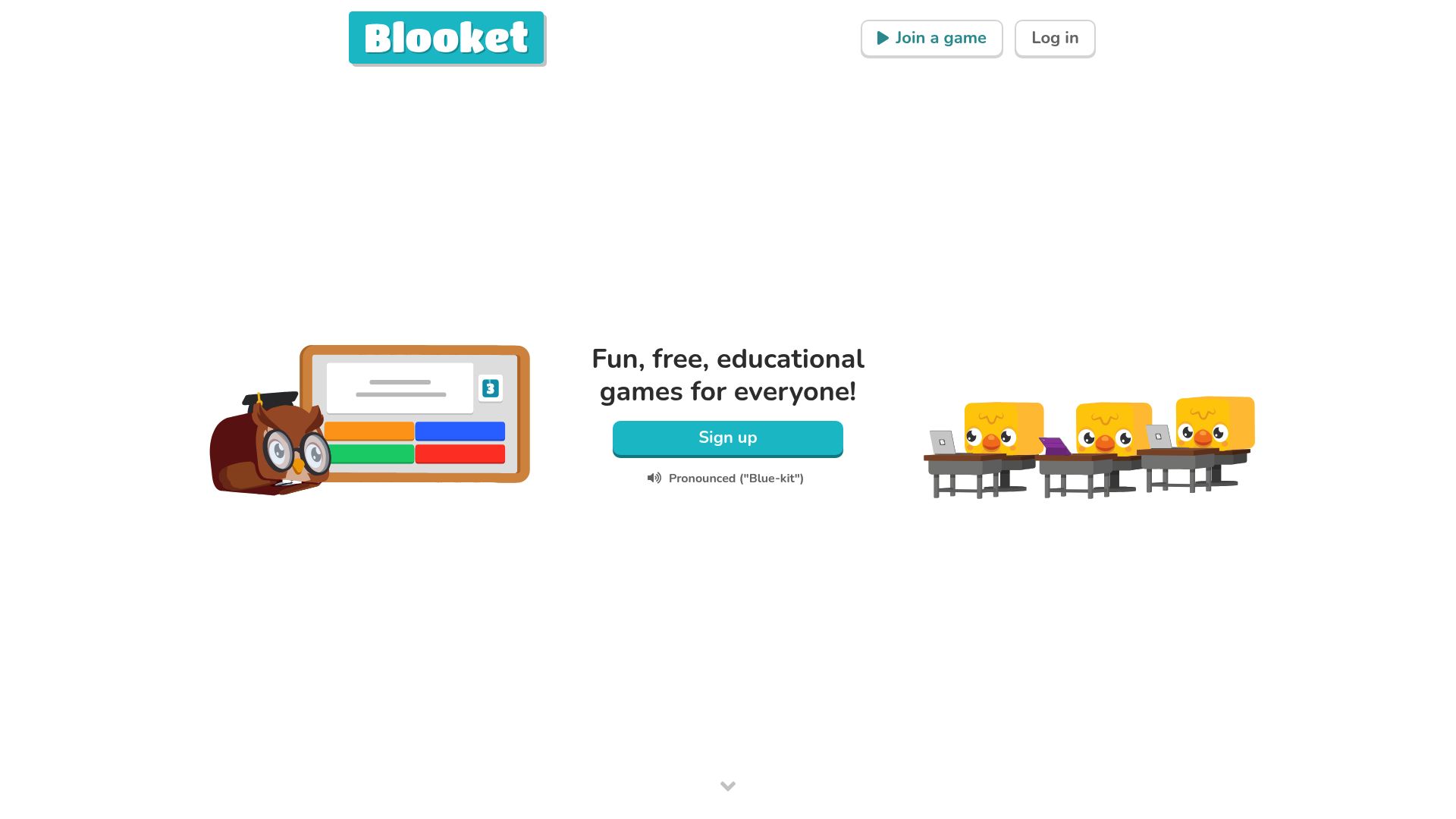
SchoolGPT
Billed annually ($79/year)
The Full Story
Blooket has captured students' attention with its variety of game modes and collectible rewards. Students love playing, but teachers still need to create question sets and handle all the other aspects of teaching. SchoolGPT generates question content drafts and tackles lesson planning, grading support, and communication, everything Blooket doesn't do.
Feature-by-Feature Comparison
| Feature | SchoolGPT | Blooket |
|---|---|---|
Game Modes Variety of game types | Many | |
Student Rewards Collectibles and unlocks | ||
Question Generation AI creates questions | ||
Lesson Planning Full lesson plans | ||
Essay Feedback Writing assessment | ||
Full Toolkit Complete toolkit |
How Blooket compares to other AI teaching tools
Looking for alternatives? Here's how Blooket stacks up against other popular AI tools for teachers, including SchoolGPT.
View all comparisons to find the best AI teaching tool for your needs.
What Teachers Use SchoolGPT For
A tool for every challenge
Browse our most popular AI-powered tools designed for educators.

Multiple Choice Quiz
Generate a multiple choice assessment, quiz, or test based on any topic, standard(s), or criteria.

IEP Generator
Generate a draft of an individualized education program (IEP) customized to a student's needs.

Create from URL or YouTube
Turn a URL, YouTube video, article, or pasted source into a quiz, lesson, worksheet, or guided notes.

Letter of Recommendation
Generate a customized letter of recommendation to an institution for a student.

One-Pager Generator
Create visual one-pager templates for student summaries and reflections.

Syllabus Generator
Create professional course syllabi with policies, expectations, and schedules.
Lesson Plan
Generate a lesson plan based on a standard, topic, or objective.

Writing Feedback
Generate feedback on student writing based on custom criteria or a rubric.
Looking for something specific? Request a custom tool and we'll build it for you.
Your Blooket Content Engine
Your Data, Your Control
SchoolGPT is designed with teacher privacy and school fit in mind from day one.
- Generate custom question set drafts for Blooket
- Create content aligned to your exact curriculum, not just community libraries
- Handle all teaching tasks Blooket doesn't cover-planning, grading, communication
- Keep your content creation separate from student-facing game platforms
- No student data involved-purely a teacher content creation tool
Frequently Asked Questions
Common questions about switching from Blooket to SchoolGPT
The Verdict
Use Blooket for the game engagement your students love, and SchoolGPT to create content and manage everything else in your teaching workflow.