SchoolGPT vs Grammarly: Complete Comparison for Teachers (2026)

Dr. Michelle Rodriguez
Education Technology Specialist & Former Curriculum Director
Grammarly fixes your writing. SchoolGPT helps draft teacher materials like lesson plans, emails, feedback, and more.
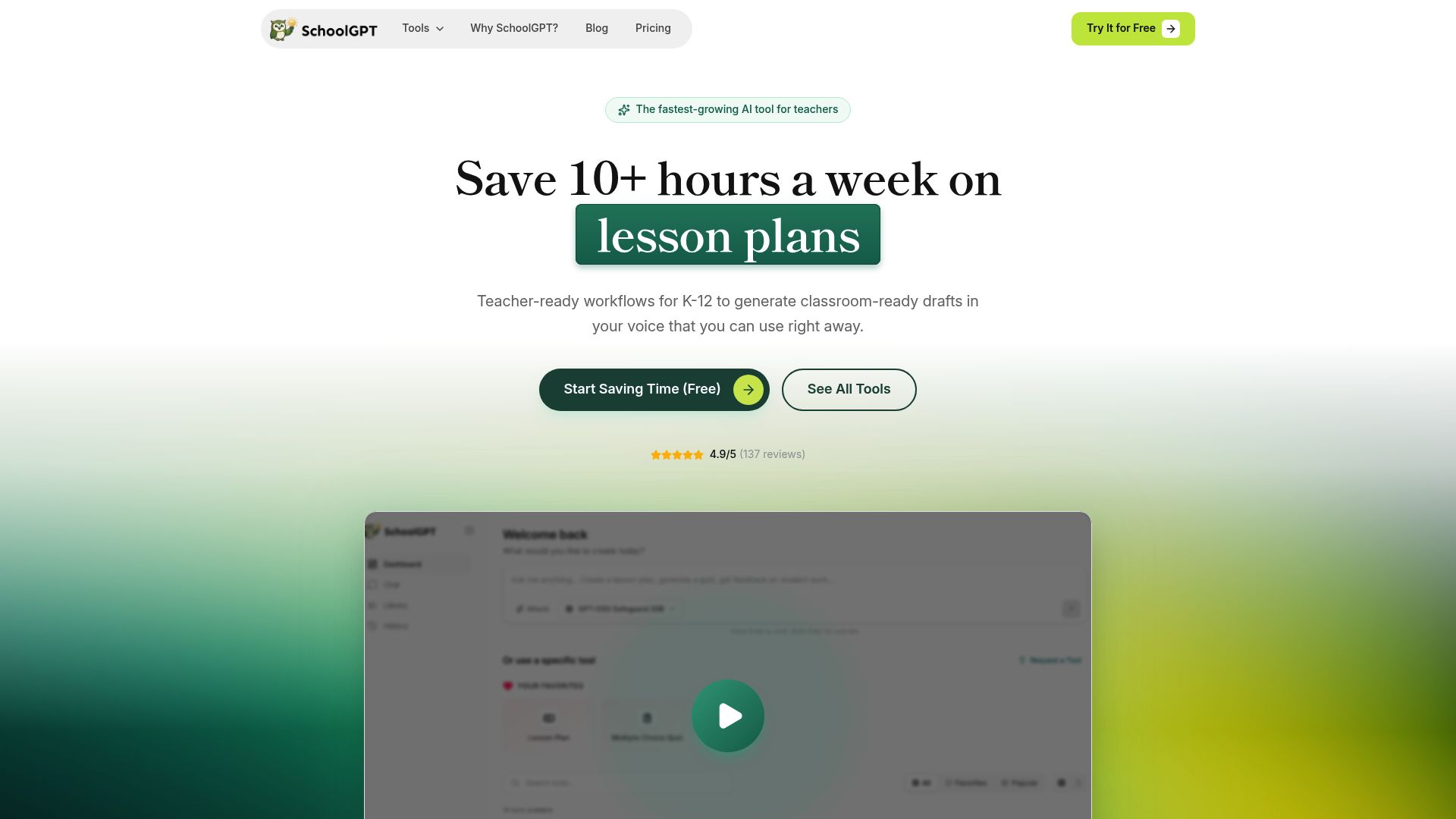
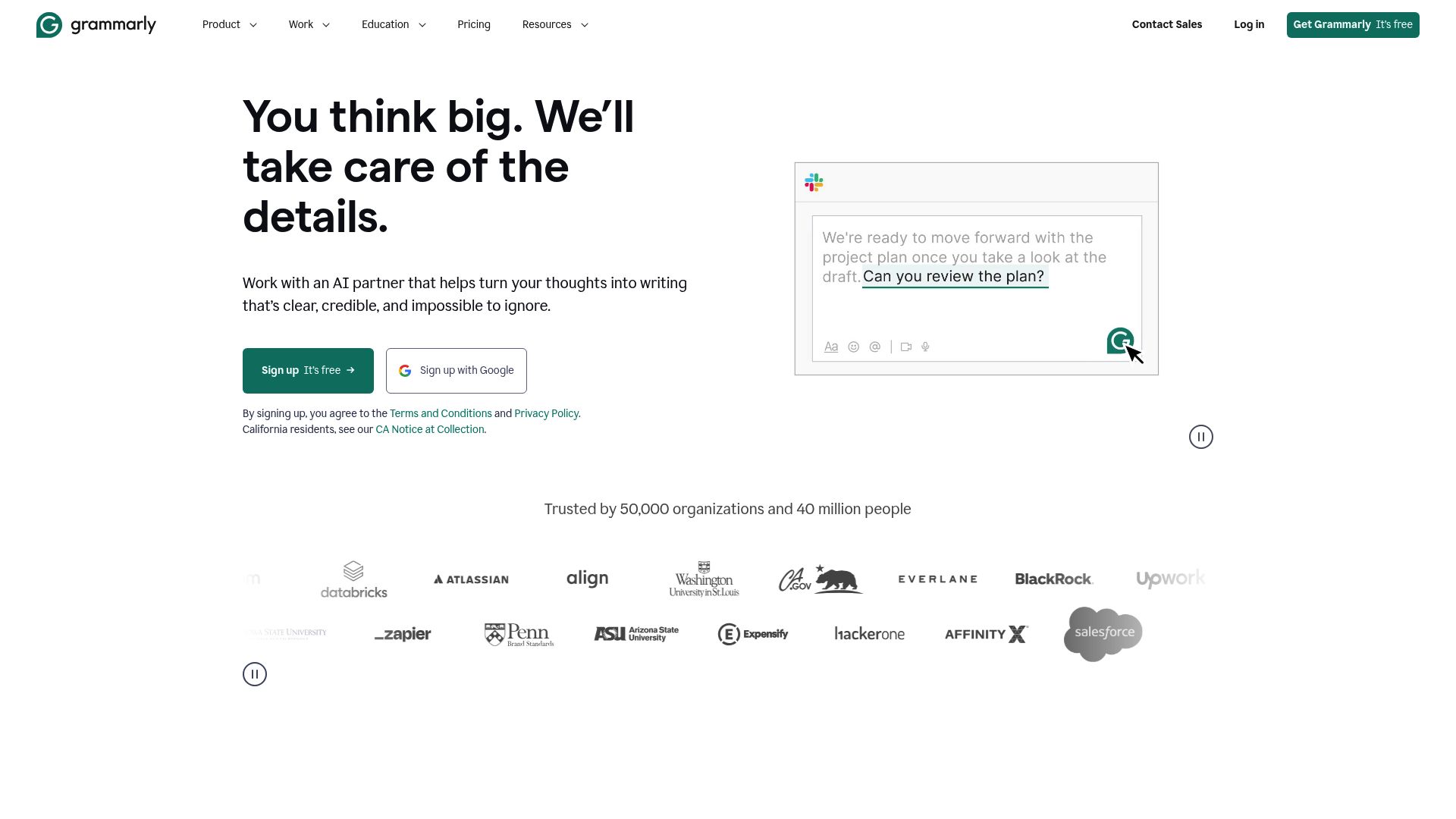
Pricing fit vs Grammarly
SchoolGPT is priced for individual teachers and keeps the workflow focused on classroom drafting.
Ready-to-use templates
Pre-built tools for lesson plans, quizzes, rubrics, feedback, emails, and more-no prompting required.
Classroom workflow fit
Built for teacher-facing workflows like planning, feedback, rubrics, and family communication.
Why teachers switch to SchoolGPT
Creates content, not just corrects it
Grammarly improves what you write. SchoolGPT helps create the first teacher-facing draft for you.
Built for education workflows
Grammarly is a general writing tool. SchoolGPT has templates designed specifically for teachers-lesson plans, rubrics, parent emails, IEP goals, and more.
Student feedback that's more than grammar
Grammarly can check student grammar. SchoolGPT generates comprehensive, growth-focused feedback addressing content, structure, and improvement areas.
Lower cost, more value for teachers
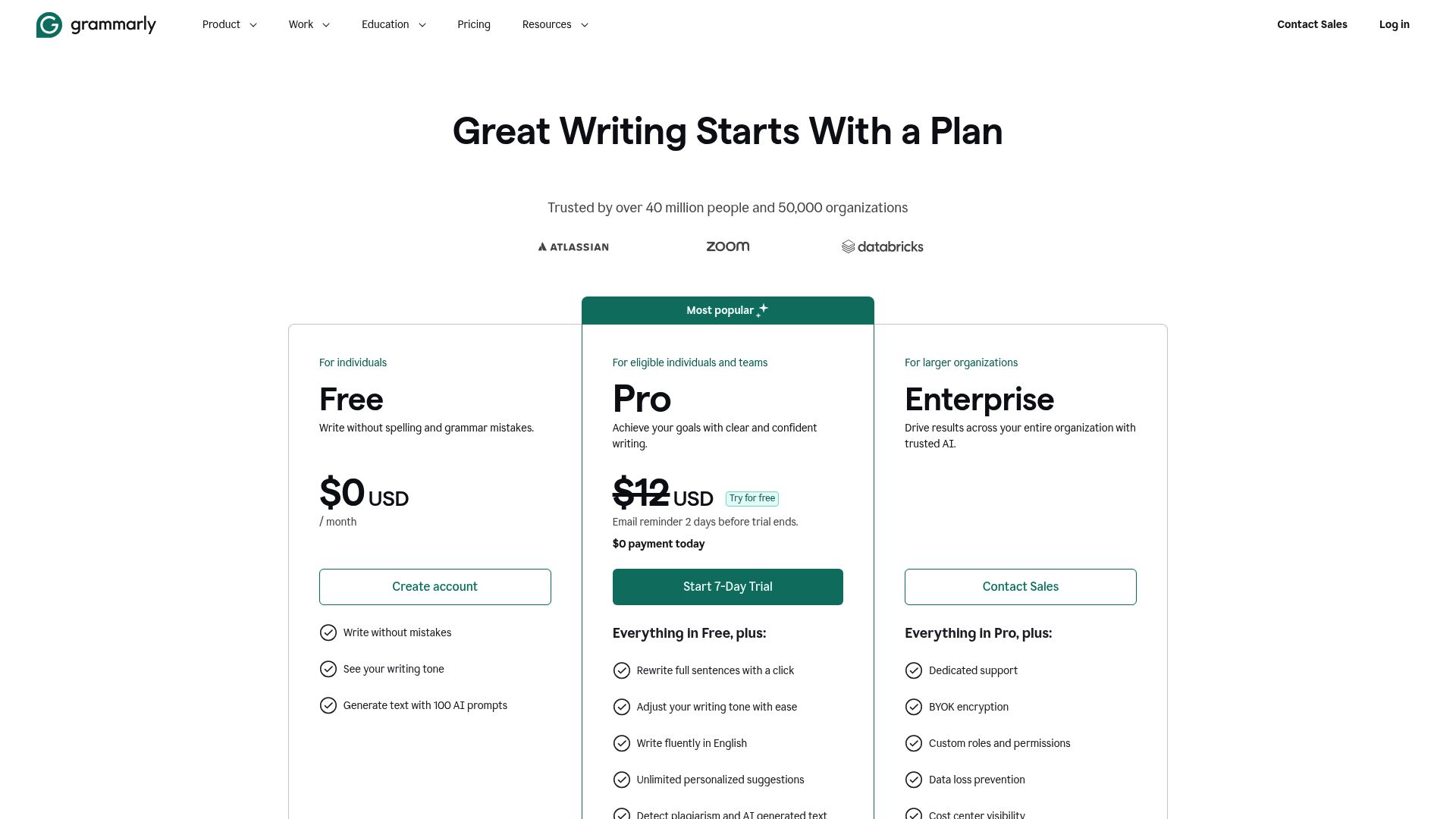
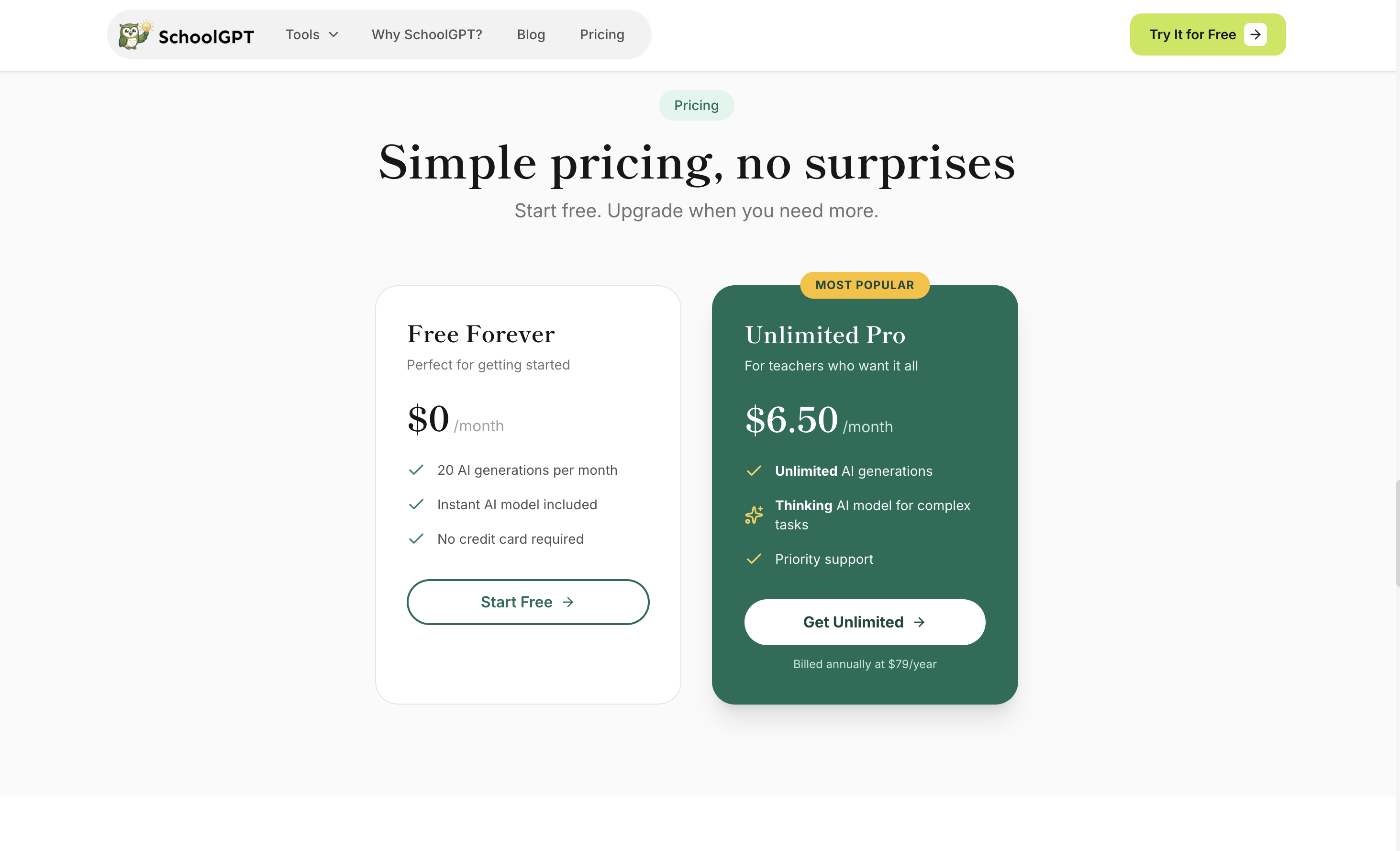
Grammarly Premium costs $12/month. SchoolGPT costs $6.58/month and does something Grammarly can't-create education content from scratch.
Pricing Comparison
SchoolGPT
Billed annually ($79/year)
The Full Story
Grammarly is excellent for polishing existing writing: catching grammar errors, improving clarity, and ensuring professionalism. But teachers need more than editing; they need help creating content from scratch. SchoolGPT generates first drafts of lesson plans, parent emails, student feedback, and rubrics.
Feature-by-Feature Comparison
| Feature | SchoolGPT | Grammarly |
|---|---|---|
Grammar Checking Error correction | ||
Content Generation Create from scratch | ||
Lesson Plans Full plan creation | ||
Writing Feedback Student feedback | Style only | |
Monthly Price Subscription cost | $6.58 | $12 |
Education-Specific Built for teachers |
How Grammarly compares to other AI teaching tools
Looking for alternatives? Here's how Grammarly stacks up against other popular AI tools for teachers, including SchoolGPT.
View all comparisons to find the best AI teaching tool for your needs.
What Teachers Use SchoolGPT For
A tool for every challenge
Browse our most popular AI-powered tools designed for educators.

One-Pager Generator
Create visual one-pager templates for student summaries and reflections.

Writing Feedback
Generate feedback on student writing based on custom criteria or a rubric.

Syllabus Generator
Create professional course syllabi with policies, expectations, and schedules.

Text Dependent Questions
Generate text-dependent questions based on any text.

Choice Board Generator
Create differentiated choice boards with engaging activity options for students.

Weekly Planner
Plan your entire teaching week with daily objectives and activities.

Discussion Topic Generator
Generate engaging discussion questions and Socratic seminar prompts.

Worksheet Generator
Generate a worksheet based on any topic or text.
Looking for something specific? Request a custom tool and we'll build it for you.
Purpose-Built for Teachers
Your Data, Your Control
SchoolGPT is designed with teacher privacy and school fit in mind from day one.
- Generate complete lesson plans, not just grammar corrections
- Create professional parent emails from a simple description
- Draft student feedback that addresses content, not just mechanics
- All content is yours-no third-party data sharing
- Works alongside Grammarly if you want both creation and correction
Frequently Asked Questions
Common questions about switching from Grammarly to SchoolGPT
The Verdict
Grammarly polishes what you've written; SchoolGPT helps create the first draft. For teachers working through repeated content creation tasks, starting with AI-generated drafts is the more relevant workflow.