Tools for Teachers: The Complete Guide to Free Teaching Tools
Discover 25+ of the best free tools for teachers in 2026, from AI-powered lesson plan generators and rubric builders to student engagement platforms and communication apps. This comprehensive guide covers every category of edtech tools that modern educators need, including the best tech tools for teachers at every grade level.
What Are Tools for Teachers?
Tools for teachers are software applications, digital platforms, and technology resources designed to help educators plan lessons, create assessments, grade student work, communicate with families, manage classrooms, and engage students more effectively. Modern tools for teaching include AI-powered generators, learning management systems, interactive platforms, and collaborative apps that reduce repetitive administrative drafting.
The landscape of edtech tools has transformed dramatically in recent years. Where teachers once relied solely on textbooks, photocopied worksheets, and overhead projectors, today's educators have access to a vast ecosystem of digital teacher helper tools that automate the most tedious aspects of the profession. From AI that generates entire lesson plans in seconds to platforms that gamify student review sessions, the right tech tools for teachers can fundamentally change how efficiently and effectively you teach.
The most impactful shift has been the emergence of AI-powered tools for teachers. Platforms like SchoolGPT use artificial intelligence to generate lesson plans, worksheets, rubrics, assessments, student feedback, IEP goals, parent emails, and more, all aligned to your specific standards, grade level, and subject area. This means the hours you once spent on administrative paperwork can now be redirected toward what actually moves the needle: direct instruction, student relationships, and professional growth.
This guide covers every major category of tools for teaching, from lesson planning and assessment to special education and student engagement. Whether you are a first-year teacher building your toolkit from scratch or a veteran educator looking to modernize your workflow, you will find practical recommendations organized by use case, grade level, and budget.
25+ Best Tools for Teachers by Category
We have organized the best tools for teaching into seven categories. Each section features the top edtech tools with descriptions, best use cases, and pricing information.
Lesson Planning Tools
Lesson planning is the foundation of effective teaching, but it is also one of the most time-consuming tasks educators face. These tools for teachers streamline the planning process so you can focus on delivery, not paperwork.
SchoolGPT Lesson Plan Generator
SchoolGPTAI-powered lesson plan generator that creates complete, standards-aligned lesson plan drafts with objectives, activities, assessments, and differentiation strategies.
Planbook
Digital lesson planner with templates, standards integration, and the ability to share plans with administrators and substitutes. Syncs across devices for planning on the go.
Common Curriculum
Collaborative lesson planning platform that lets teaching teams co-create and share lesson plans. Includes standards alignment and integration with Google Classroom.
Google Docs + Templates
While not education-specific, Google Docs with lesson plan templates remains one of the most flexible and widely-used tools for teaching. Easy sharing with colleagues and administrators.
Assessment & Grading Tools
Creating assessments and grading student work are among the biggest time sinks in teaching. These tech tools for teachers automate quiz creation, rubric building, and grading workflows to give you hours back every week.
SchoolGPT Quiz Maker
SchoolGPTAI quiz generator that creates multiple-choice assessments aligned to specific standards and learning objectives. Generates questions, answer choices, correct answers, and explanations instantly.
SchoolGPT Rubric Generator
SchoolGPTCreates detailed, standards-aligned rubrics with customizable criteria, performance levels, and point values for any assignment type. Perfect for essays, projects, and presentations.
Google Forms
Create self-grading quizzes with multiple question types. Auto-grades multiple choice and provides summary analytics. Integrates seamlessly with Google Classroom.
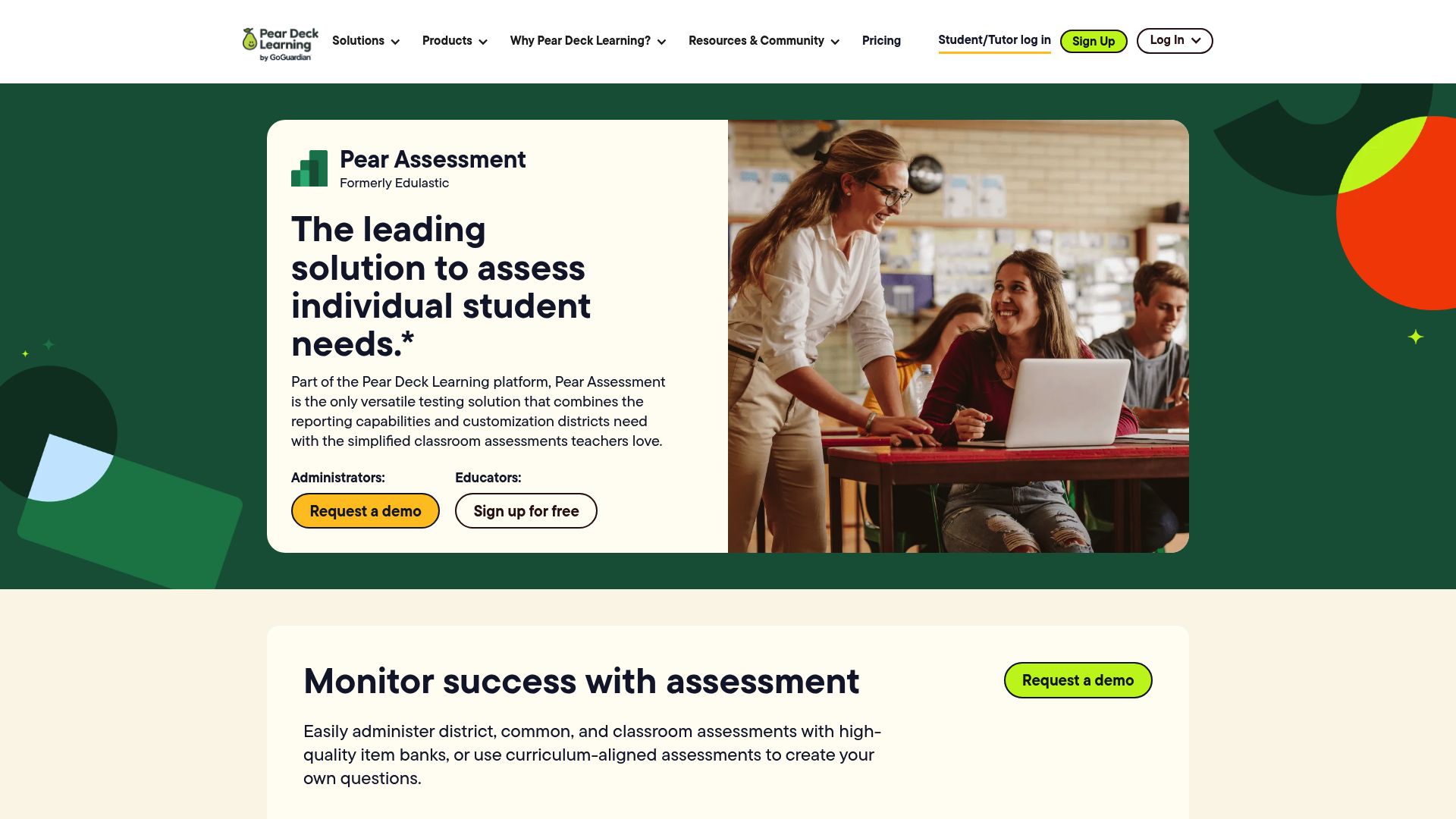
Edulastic
Standards-aligned assessment platform with a vast question bank, technology-enhanced item types, and detailed performance analytics. Mirrors state test formats.
Writing & Feedback Tools
Providing meaningful feedback on student writing is essential for growth but incredibly time-intensive. These tools for teaching help educators deliver detailed, personalized feedback without spending entire weekends grading papers.
SchoolGPT Writing Feedback
SchoolGPTAI-powered feedback tool that analyzes student writing and generates detailed, constructive feedback covering content, organization, grammar, style, and areas for improvement. Includes specific praise and actionable next steps.
Turnitin / Turnitin Draft Coach
Industry-standard plagiarism detection with Draft Coach providing real-time feedback on citations, grammar, and writing structure as students write.
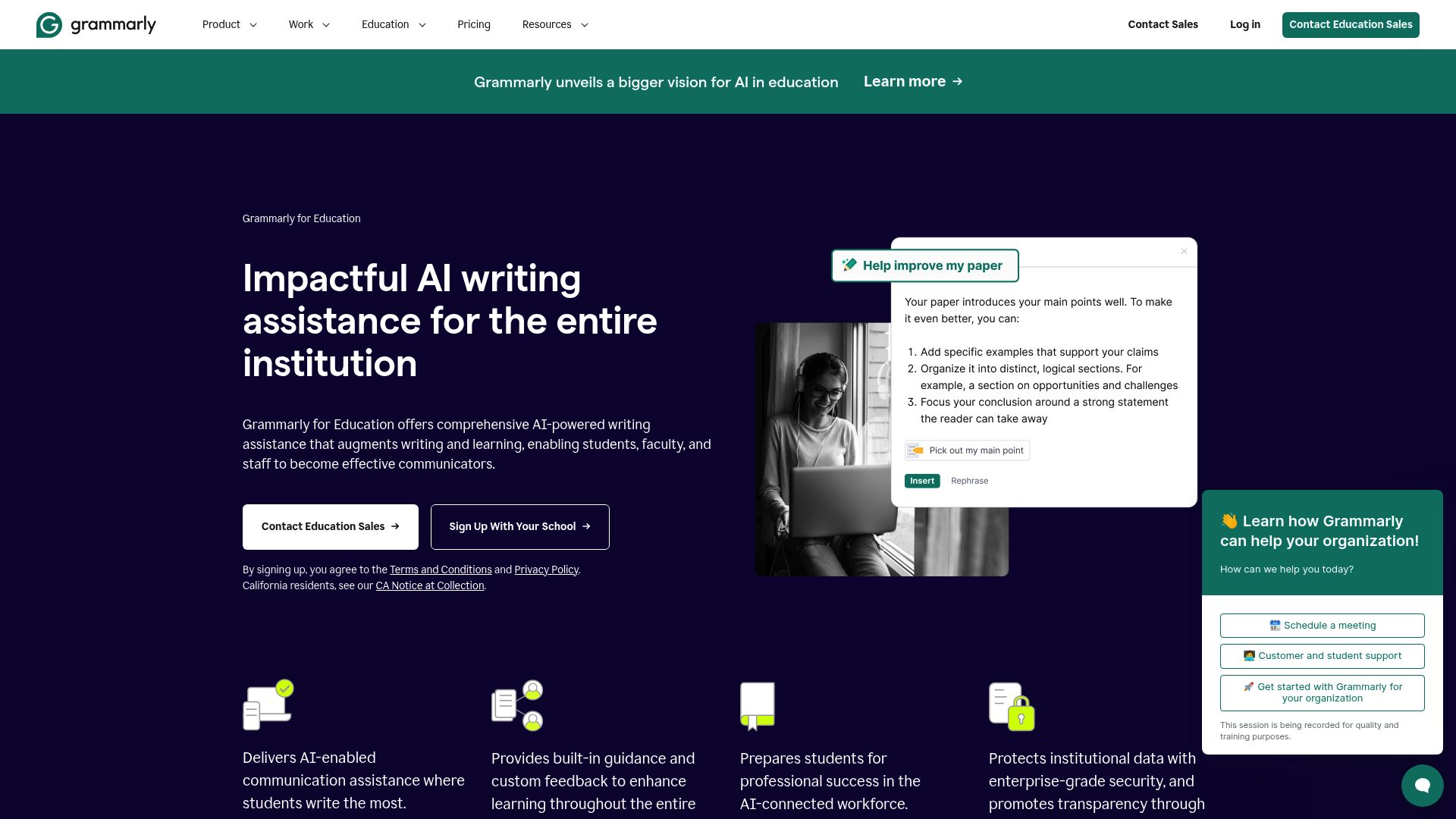
Grammarly for Education
AI writing assistant that provides grammar, spelling, punctuation, and style suggestions. The education version includes plagiarism detection and tone analysis.
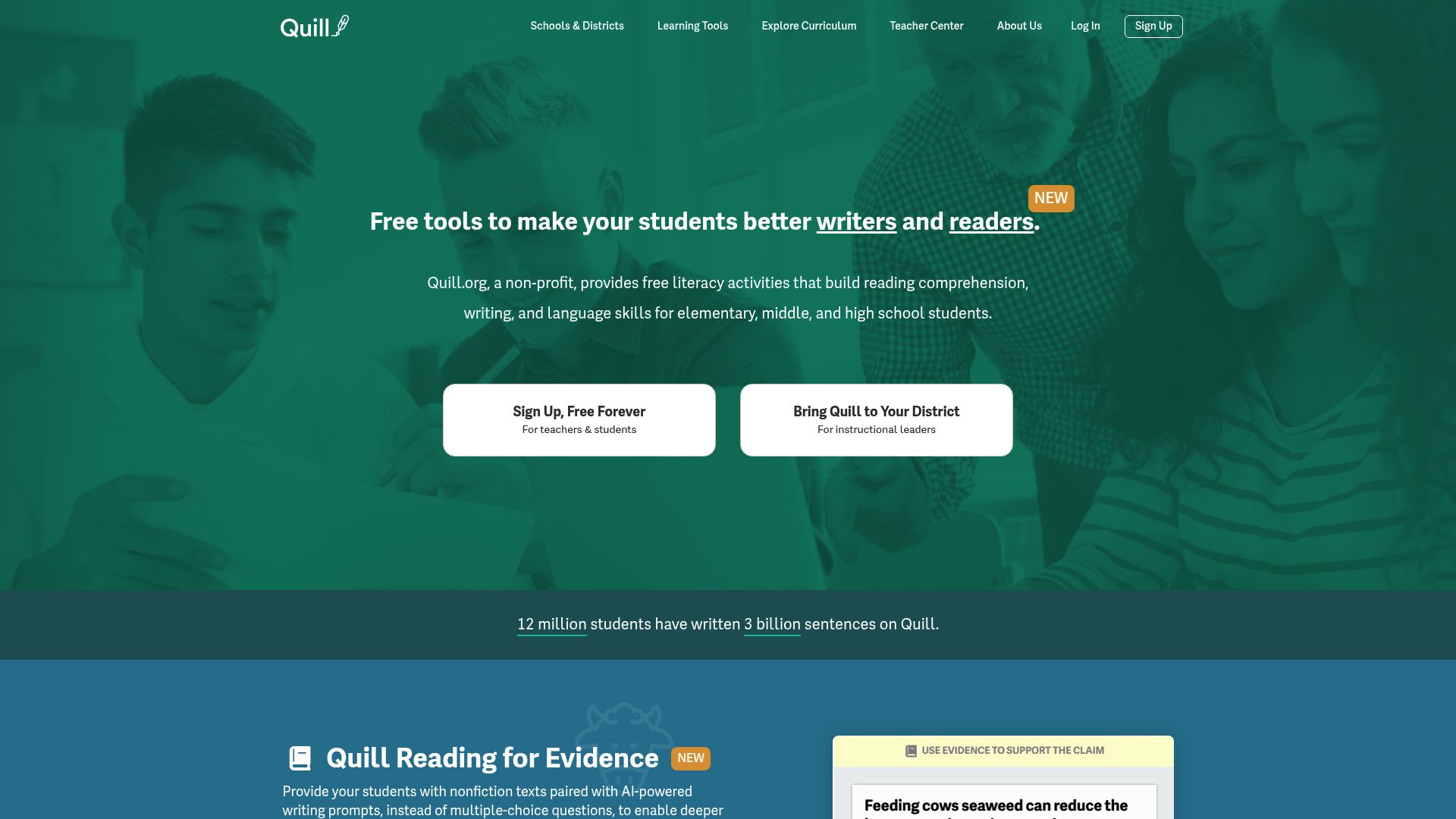
Quill.org
Free, open-source writing tool that provides grammar and sentence-building exercises with immediate feedback. Tracks student progress over time and aligns to Common Core standards.
Communication Tools
Strong school-to-home communication builds trust and improves student outcomes. These teacher helper tools make it easy to keep families informed, draft professional emails, and maintain consistent communication throughout the year.
SchoolGPT Professional Email Generator
SchoolGPTFree AI email generator for teachers that drafts clear, professional messages to principals, administrators, department heads, and colleagues. Choose the recipient, purpose, and tone, then edit the ready-to-send draft.
SchoolGPT Email Generator
SchoolGPTAI-powered parent email generator that creates professional, empathetic emails for any situation: behavior updates, progress reports, conference requests, positive news, and more. Adjusts tone and formality automatically.
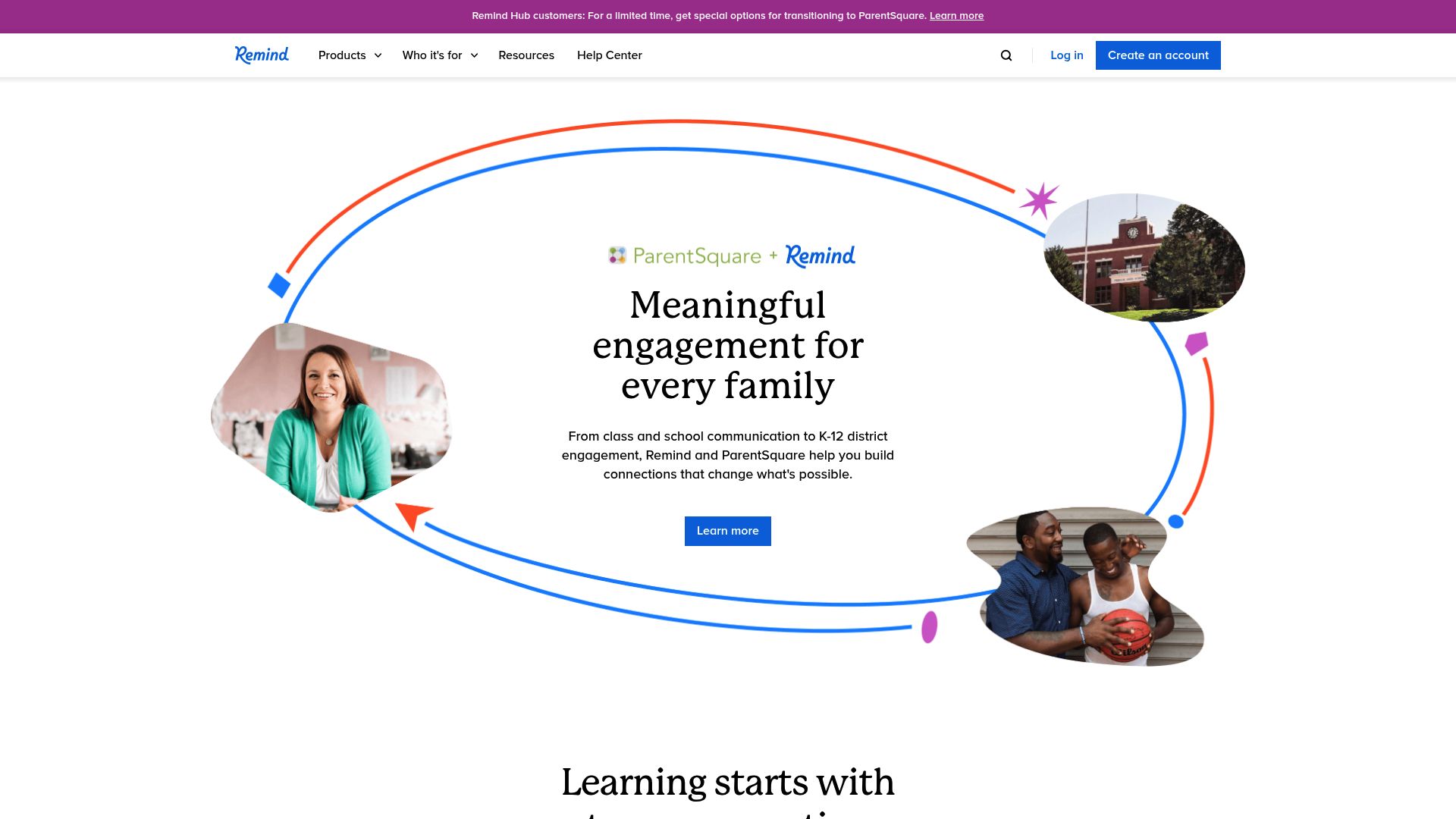
Remind
Free messaging platform that lets teachers send texts to students and parents without sharing personal phone numbers. Supports scheduled messages, translations, and file attachments.
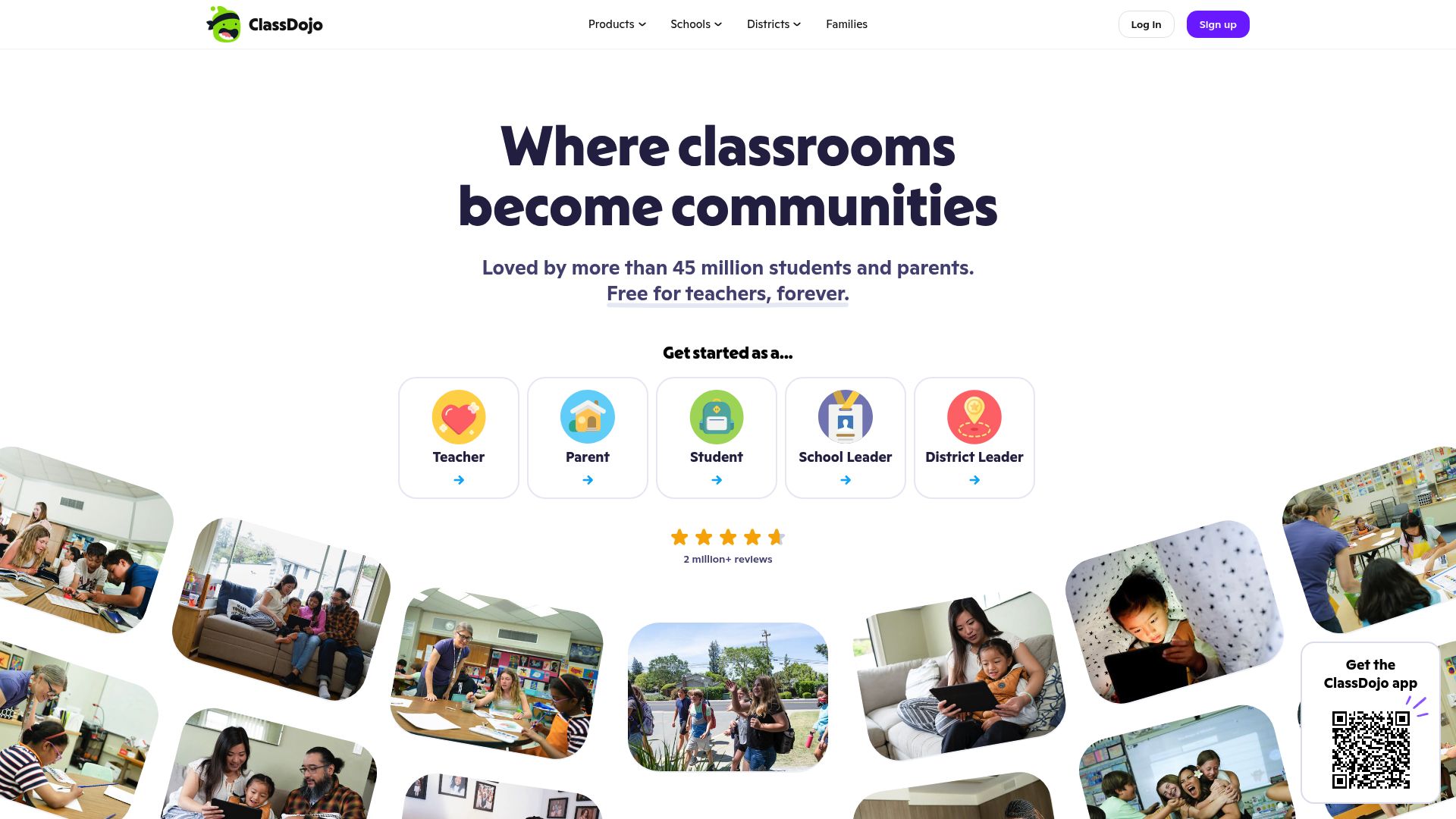
ClassDojo
Behavior tracking and family communication platform that connects teachers, students, and parents. Includes messaging, portfolios, and a class story feature for sharing classroom moments.
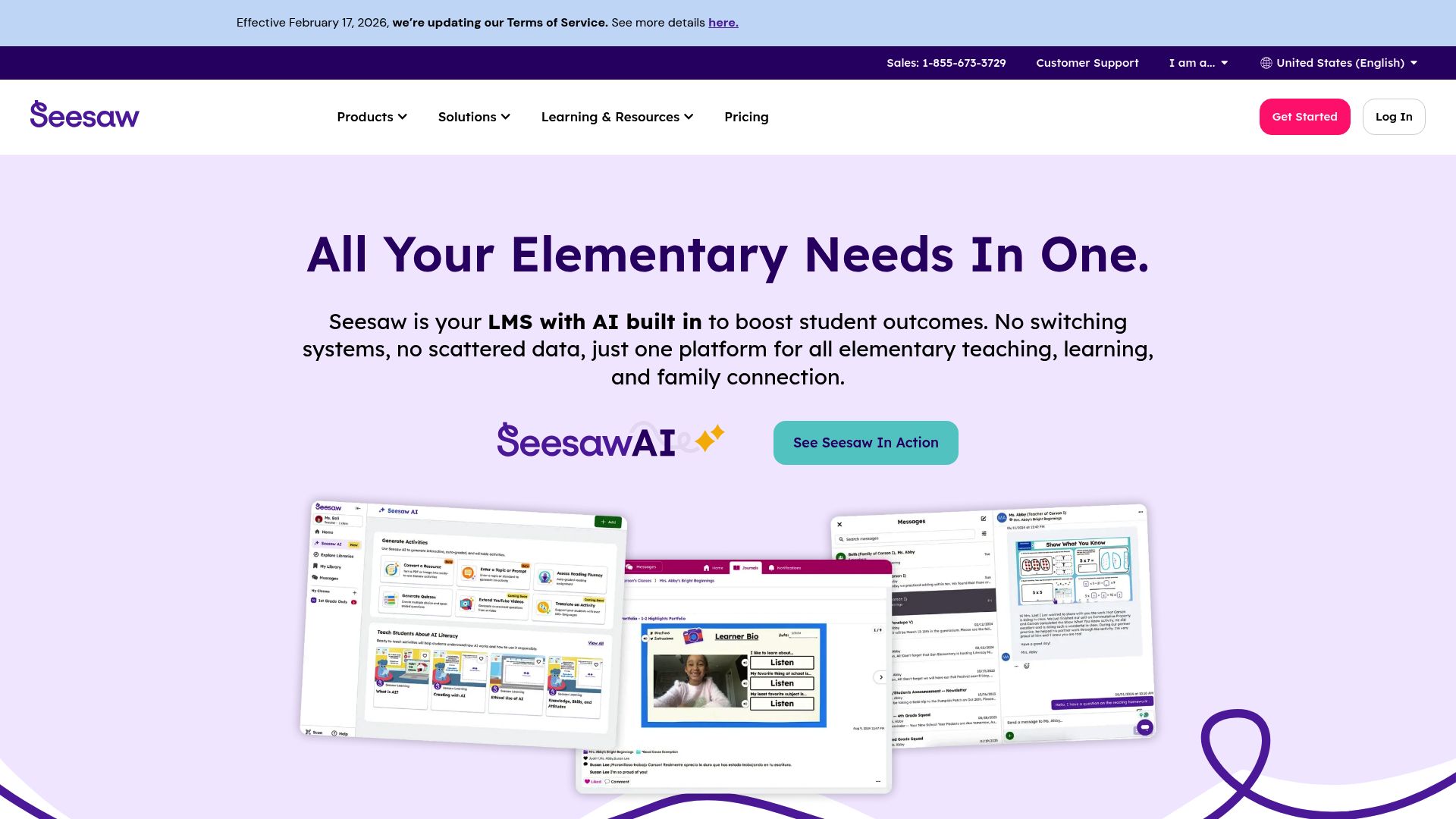
Seesaw
Student-driven digital portfolio and communication platform where students can share their work with families. Parents see real-time updates of their child's learning progress.
Special Education Tools
Special education teachers face unique demands: writing IEP goals, creating differentiated materials, and documenting accommodations. These edtech tools simplify the administrative side of SPED so educators can focus on individualized student support.
SchoolGPT IEP Generator
SchoolGPTAI-powered IEP goal generator that creates measurable, standards-aligned IEP goals with baseline data, target criteria, and progress monitoring suggestions. Covers academic, behavioral, social-emotional, and functional goals.
Boardmaker
Visual communication tool that creates symbol-based communication boards, schedules, and visual supports for students with autism, speech-language disorders, and other communication needs.
Learning Ally
Audiobook library specifically designed for students with dyslexia, visual impairments, and other reading disabilities. Includes human-narrated textbooks and literature.
Read&Write by Texthelp
Literacy support toolbar that provides text-to-speech, word prediction, dictionary, picture dictionary, and highlighting tools. Works across websites, Google Docs, and PDFs.
Classroom Management Tools
Effective classroom management sets the stage for learning. These tools for teachers help track behavior, manage routines, organize seating, and create positive classroom cultures with less effort.
SchoolGPT Seating Chart Generator
SchoolGPTFree classroom seating chart maker that arranges student names into a clear grid, supports random seating, and lets teachers adjust the room layout before class.
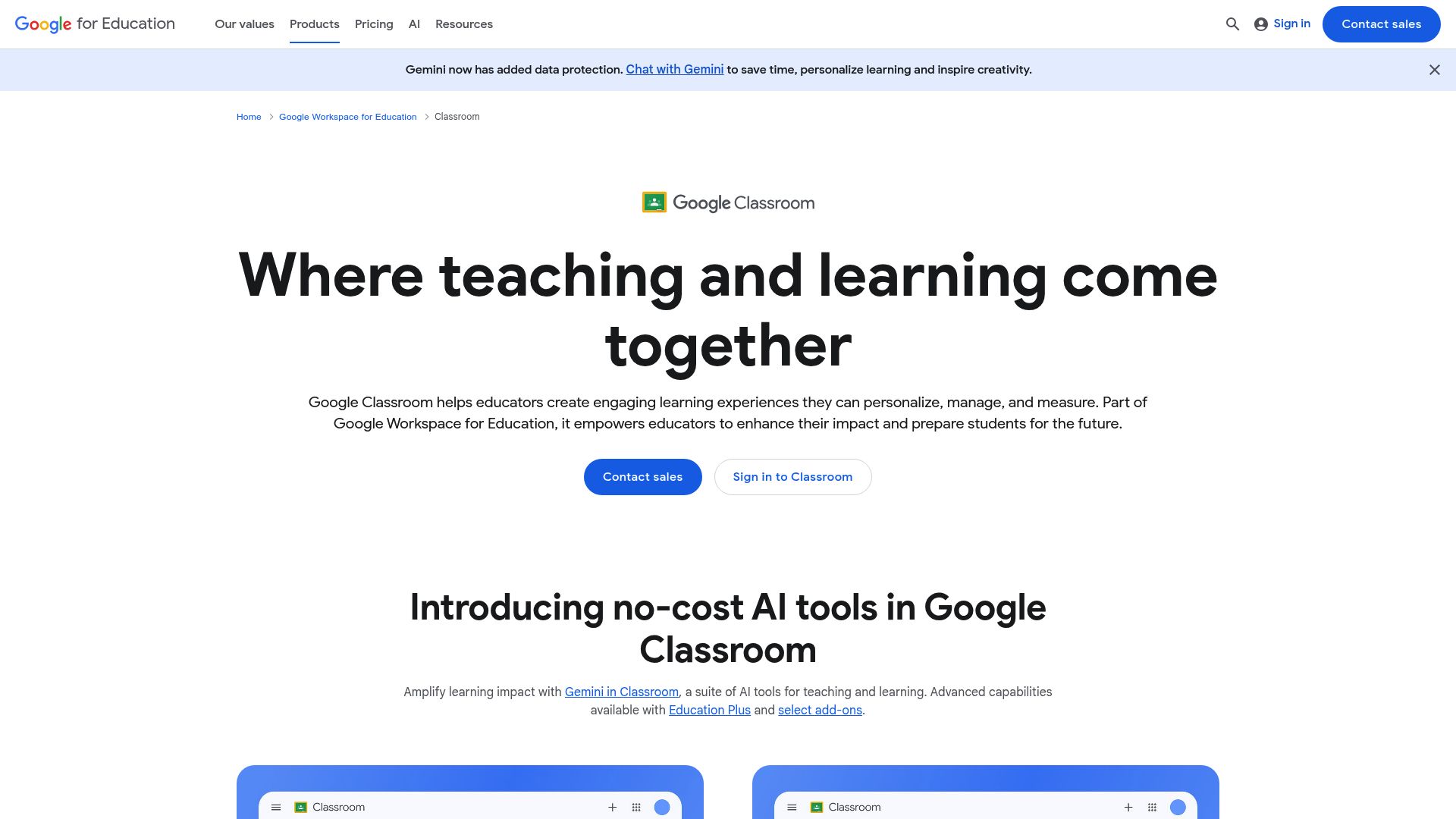
Google Classroom
The most widely used learning management system in K-12 education. Manages assignments, announcements, grading, and communication in one platform. Free and integrates with the entire Google ecosystem.
ClassDojo
Behavior management platform that awards and tracks positive and needs-work behavior points. Students see their progress, parents get real-time updates, and teachers have data to inform classroom strategies.
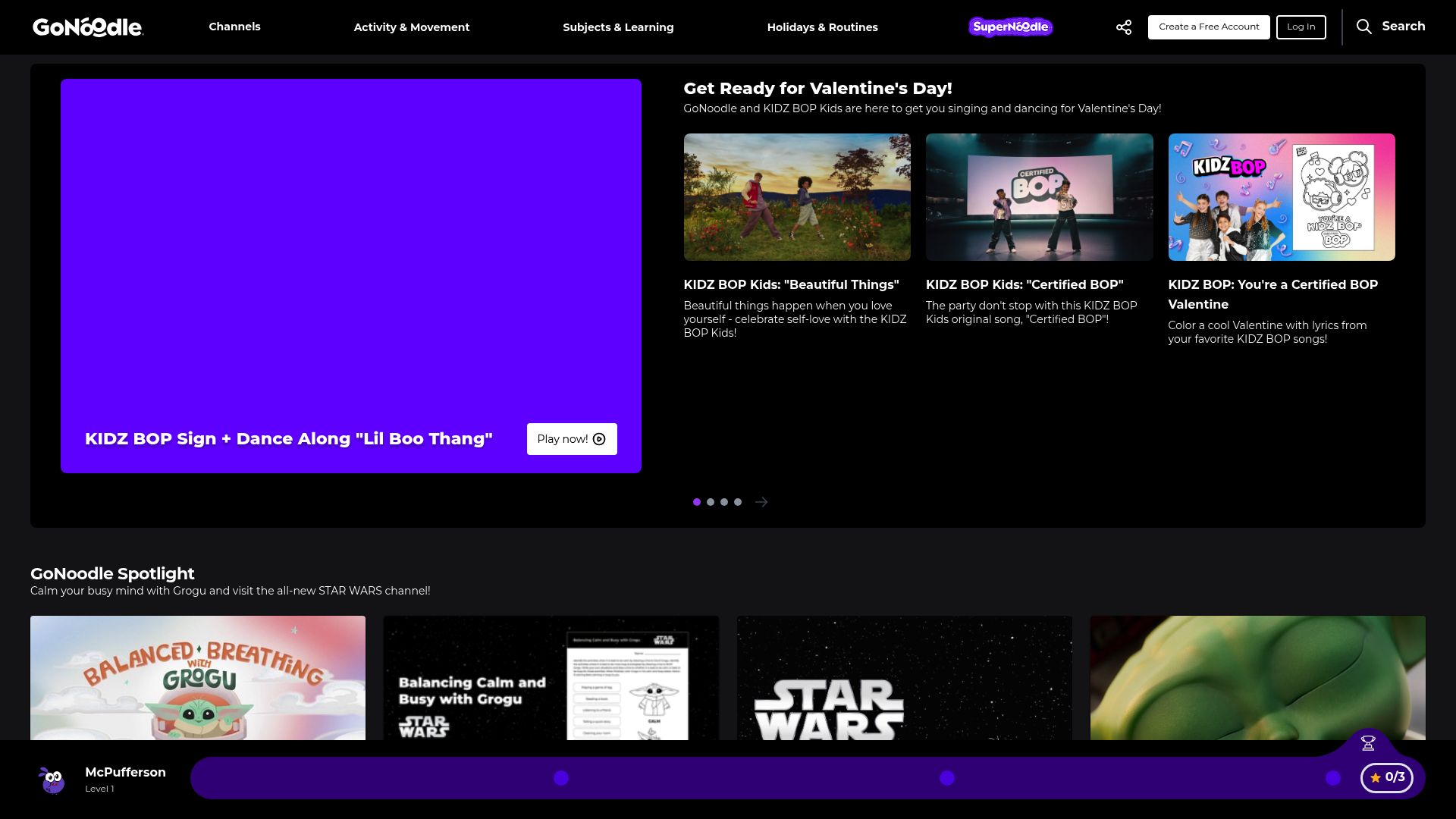
GoNoodle
Movement and mindfulness videos designed for classroom use. Provides brain breaks, guided stretching, and energizer activities that help students refocus and regulate during the school day.
Too Noisy
Visual noise meter that displays real-time classroom volume levels. Projects a simple visual that helps students self-regulate their volume during group work and independent time.
Student Engagement Tools
Keeping students engaged is the heart of effective teaching. These tech tools for teachers transform passive learning into active participation through gamification, interactive lessons, and collaborative activities.
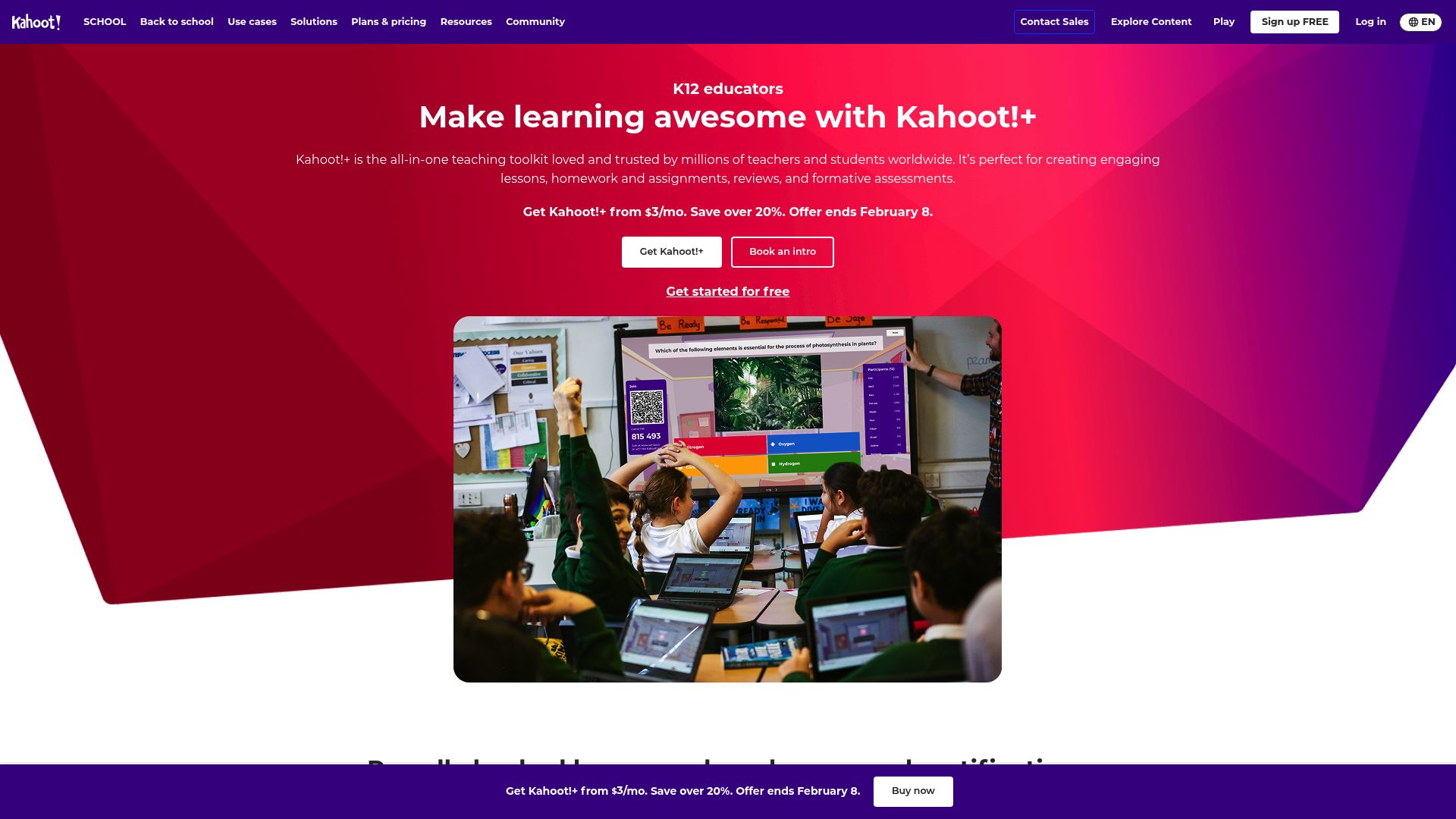
Kahoot
Game-based learning platform where teachers create quiz-style games that students play in real time. The competitive format with leaderboards drives high engagement and works as an excellent review tool.
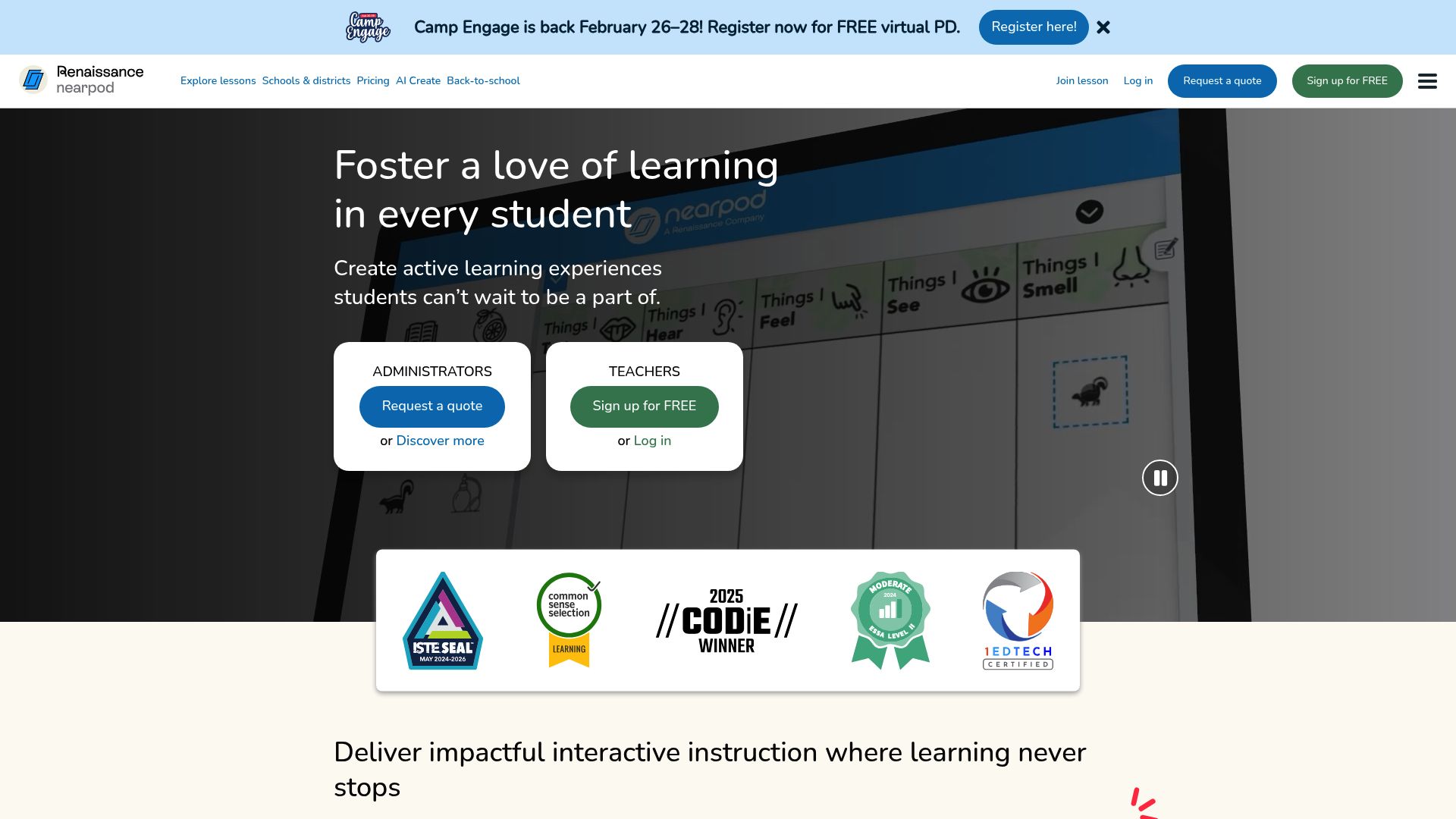
Nearpod
Interactive lesson platform with virtual reality, simulations, polls, collaborative boards, and quizzes embedded directly into presentations. Teachers control the pace or let students go self-paced.
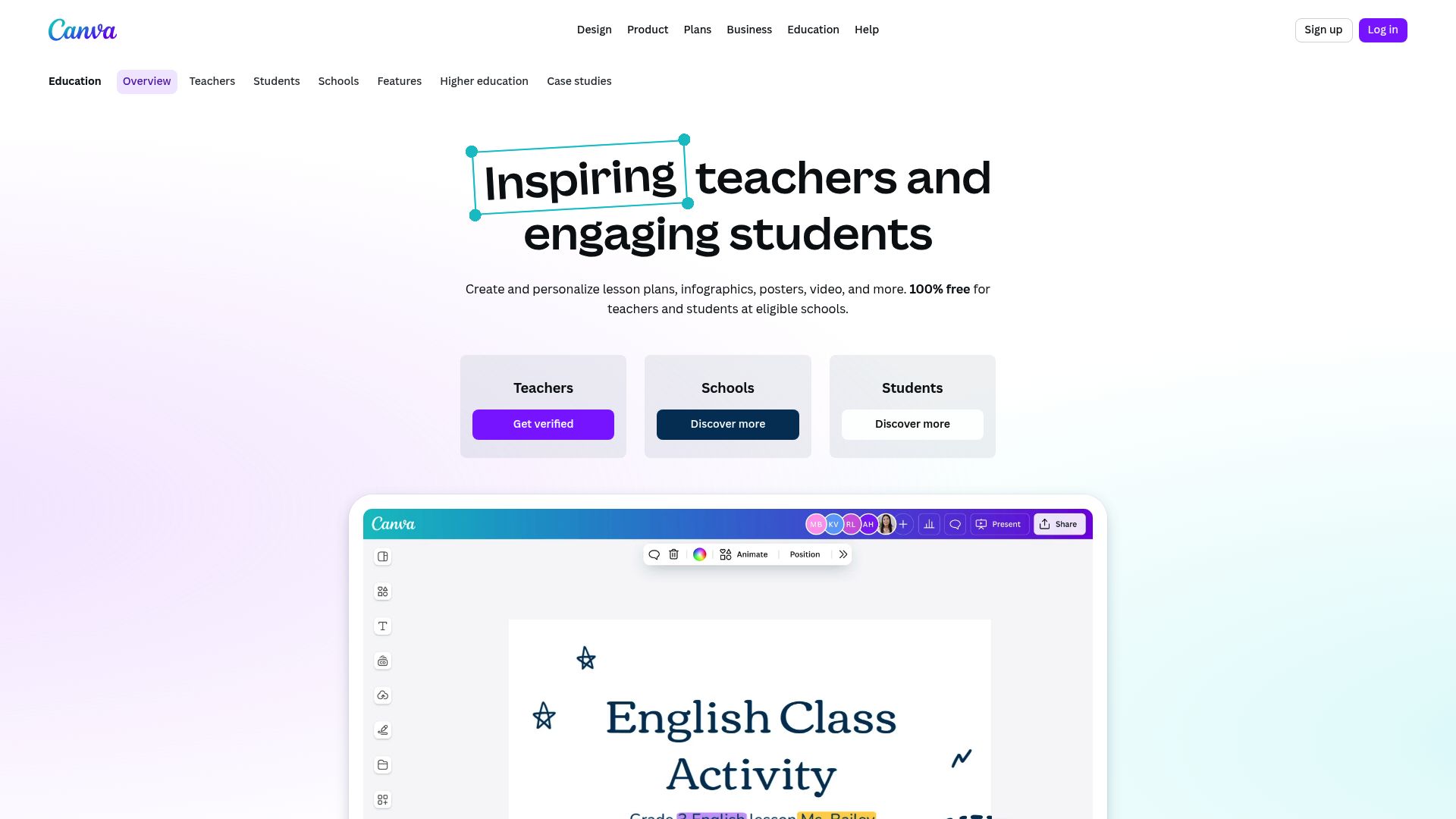
Canva for Education
Free design platform for educators with thousands of templates for presentations, infographics, worksheets, posters, and more. Students can also use it to create visual projects and portfolios.
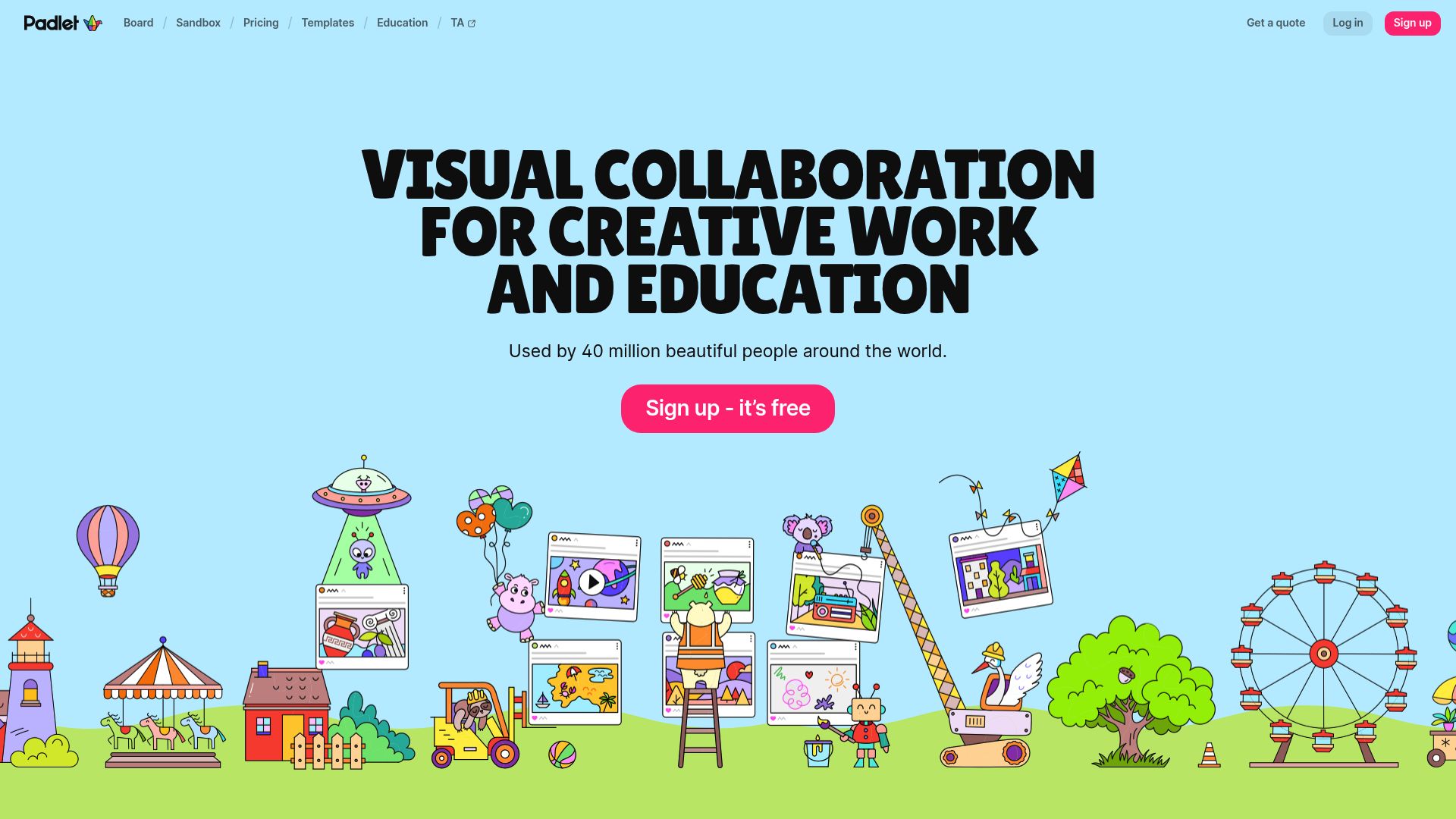
Padlet
Virtual collaborative board where students can post text, images, links, drawings, and videos. Use it for brainstorming, exit tickets, discussion boards, and collaborative projects.
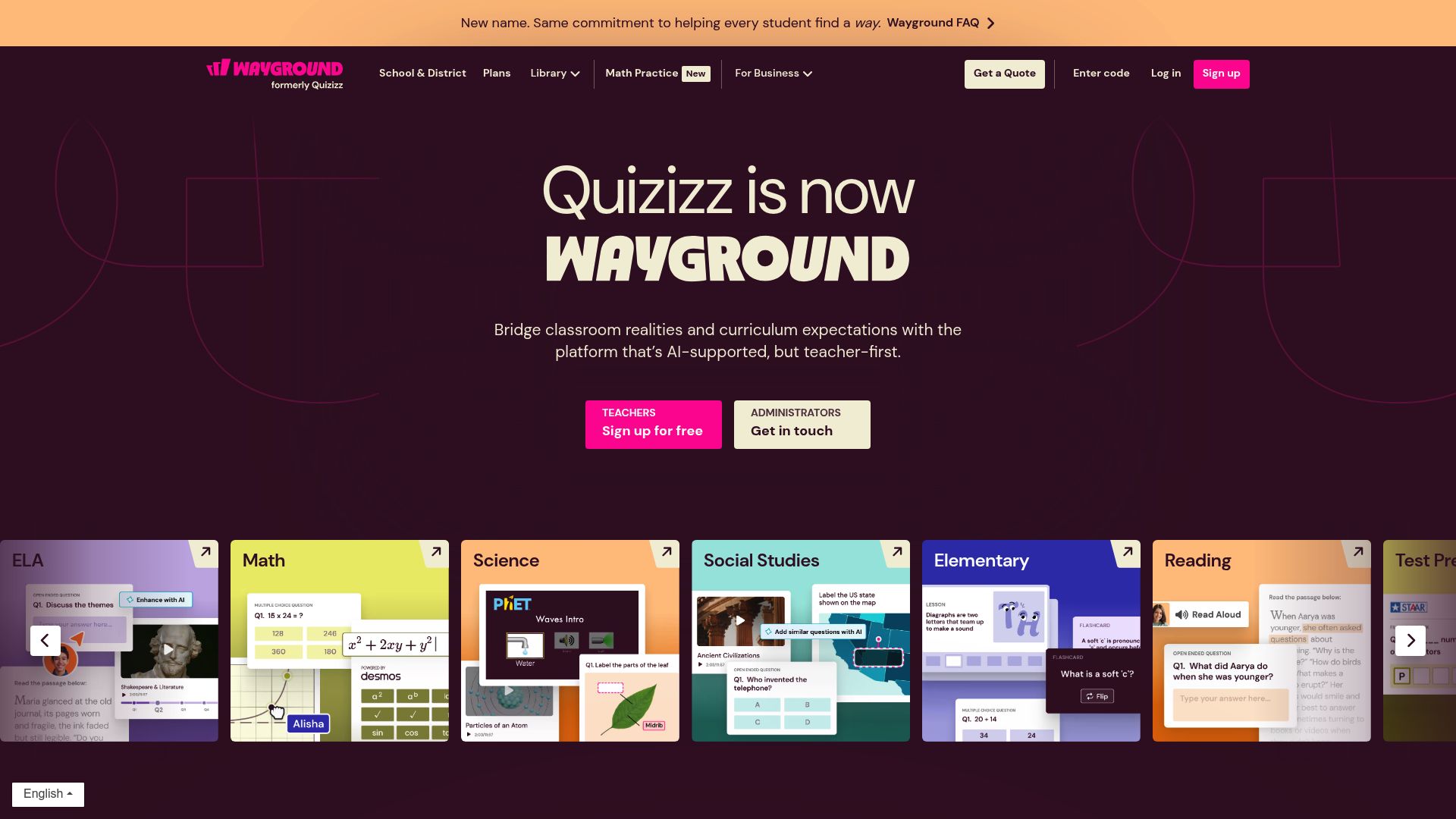
Quizizz
Gamified quiz and lesson platform with memes, music, and competition modes that keep students engaged. Includes a homework mode, detailed reports, and a large public question library.
How to Choose the Right Teaching Tools
With hundreds of edtech tools available, choosing the right ones can feel overwhelming. Follow this decision framework to select tools for teachers that will actually make a difference in your classroom.
Identify Your Biggest Pain Points
Start by listing your most time-consuming tasks. Is it lesson planning? Grading? Parent communication? Focus on tools for teachers that address your #1 bottleneck first for the biggest immediate impact.
Check Integration Compatibility
Ensure any new tech tools for teachers integrate with your existing systems. If your school uses Google Workspace, prioritize Google-compatible tools. If you use Canvas or Schoology, check for LMS integrations.
Evaluate the Free Tier
Most quality edtech tools offer free tiers. Test the free version thoroughly before committing to paid plans. SchoolGPT offers a generous free plan with access to all tools, enough to evaluate its impact on your workflow.
Verify Grade Level Fit
Not every tool works for every grade level. A tool perfect for high school essay feedback may not suit kindergarten teachers. Check that the tool supports your specific subject area and student age range.
Confirm District Approval & Privacy
Before adopting any tool, check your district's approved technology list and privacy policies. Ensure the tool complies with FERPA, COPPA, and your state's student data privacy laws.
Start Small, Scale Gradually
Adopt one new tool at a time. Master it for 2-3 weeks before adding another. This prevents overwhelm and lets you accurately assess each tool's value to your teaching practice.
Pro Tip: Start With Your Biggest Time Sink
If lesson planning eats up your Sunday evenings, start with SchoolGPT's Lesson Plan Generator. If grading keeps you at school until 6 PM, try the Writing Feedback tool. Solving your #1 pain point first builds momentum and proves the value of tools for teaching before you expand your toolkit.
AI-Powered vs Traditional Teaching Tools
Understanding when to use AI-powered tech tools for teachers versus traditional approaches helps you build the most effective teaching toolkit. Each has distinct strengths.
| Task / Feature | Traditional Tools | AI-Powered Tools |
|---|---|---|
| Lesson plan creation | Manual draft from scratch | Structured AI draft |
| Worksheet differentiation | Create separate versions manually | Draft multiple levels |
| Grading essays | Manual written feedback | Feedback draft with human review |
| Rubric development | Manual criteria writing | Customizable rubric draft |
| Parent email drafting | Start from scratch | Professional email draft |
| Hands-on activities | Strong (physical, tactile learning) | Limited (digital content only) |
| Cultural responsiveness | Teacher judgment and relationships | Can assist but needs human oversight |
| Student relationships | Deep, personal connections | Not applicable |
| Availability | School hours / prep time | 24/7, any device |
| Cost | Often paid (textbooks, supplies) | Many free tiers available |
The Verdict: Use Both Strategically
AI-powered tools for teachers excel at content generation, grading automation, and administrative efficiency, tasks that are repetitive and time-consuming. Traditional tools remain superior for hands-on activities, building student relationships, and culturally responsive teaching. The most effective educators in 2026 use AI as a teacher helper for the administrative side while preserving human-centered approaches for instruction and student connection.
Essential Tools by Grade Level
Not every tool works for every classroom. Here are the must-have tools for teaching organized by grade band, so you can find the right edtech tools for your specific students.
K-5 Elementary
Elementary teachers need tools that create visual, scaffolded content with clear instructions. Look for tools for teaching that support hands-on activities, phonics, math manipulatives, and age-appropriate language.
Must-Have Tools:
- SchoolGPT Lesson Plan Generator (differentiated for primary levels)
- SchoolGPT Worksheet Generator (scaffolded activities)
- Seesaw (student portfolios for young learners)
- GoNoodle (brain breaks and movement)
- ClassDojo (behavior tracking and parent communication)
6-8 Middle School
Middle school teachers need tools for teachers that balance engagement with rigor. Students at this age thrive with gamified content, collaborative projects, and tools that support growing independence while maintaining structure.
Must-Have Tools:
- SchoolGPT Quiz Maker (formative assessments)
- SchoolGPT Rubric Generator (project and essay rubrics)
- Kahoot / Quizizz (gamified review)
- Nearpod (interactive lesson delivery)
- Google Classroom (assignment management)
9-12 High School
High school educators need edtech tools that support deeper analysis, college prep, and independent learning. Prioritize tools that handle complex assessment, provide substantive writing feedback, and prepare students for post-secondary success.
Must-Have Tools:
- SchoolGPT Writing Feedback (essay and paper feedback)
- SchoolGPT Rubric Generator (AP/IB level rubrics)
- Turnitin (academic integrity)
- Canva for Education (student presentations and portfolios)
- Edulastic (standardized test preparation)
Try SchoolGPT: The Ultimate Teacher Helper
Use SchoolGPT as a practical toolkit for teaching. Generate lesson plans, worksheets, rubrics, quizzes, student feedback, IEP goals, and parent emails from guided workflows in one place.
Free to use | No credit card required | All tools included
Tools for Teachers FAQ
Related Resources
Explore more teaching resources and guides to get the most out of your edtech tools.
Best AI Tools for Teachers
In-depth guide to the top AI-powered tools transforming education in 2026.
Teacher Assistant Guide
Everything you need to know about teacher assistants, roles, skills, and AI tools.
All SchoolGPT Tools
Browse the complete collection of free AI-powered tools for teachers on SchoolGPT.
Popular Tools for Teachers
Lesson Plan Generator
Create complete, standards-aligned lesson plans in under 2 minutes.
Rubric Generator
Build detailed rubrics with criteria and performance levels for any assignment.
Worksheet Generator
Generate differentiated worksheets for any subject and skill level instantly.
Quiz Maker
Generate multiple-choice assessments aligned to your standards and objectives.
Writing Feedback Tool
Generate personalized, constructive feedback drafts on student work.
IEP Goal Generator
Create measurable, standards-aligned IEP goals with progress monitoring suggestions.
Stop grading on Sundays.
Reclaim your weekends. Generate lesson plans, grading feedback, and resources in seconds. Your time belongs to you, not your paperwork.
Free to start, no credit card required