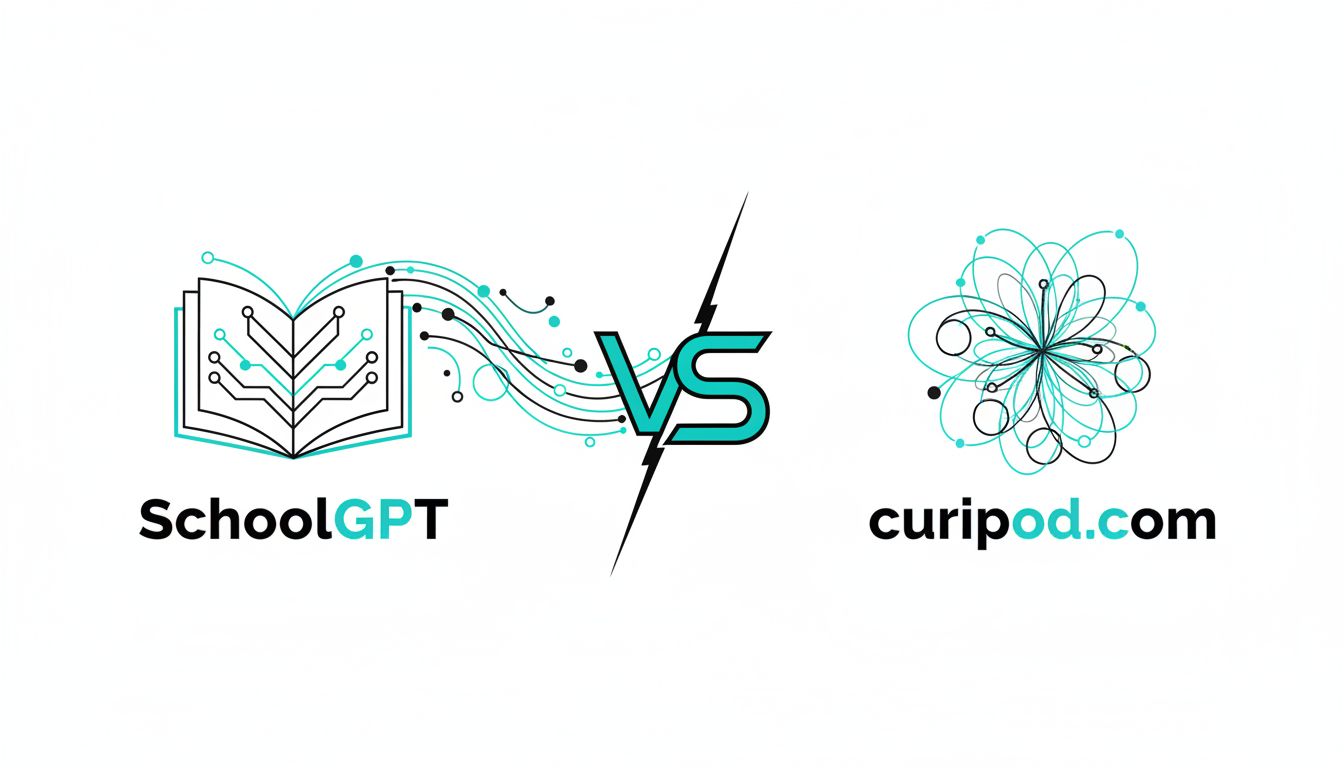
SchoolGPT vs Curipod in one sentence: Curipod is an excellent tool for running engaging, interactive lessons in real time, while SchoolGPT is built to handle the full spectrum of teacher workload, from planning to grading to parent communication and IEPs.
Quick comparison: SchoolGPT vs Curipod
| Feature / Use case | SchoolGPT | Curipod |
|---|---|---|
| Primary focus | End‑to‑end teacher workflow: planning, grading, communication, documentation | Live, interactive lessons and student engagement |
| AI models | Aggregates multiple top models (ChatGPT, Claude, Gemini, etc.) in one place | Uses its own integrated AI lesson generator |
| Lesson planning & unit design | Strong: 60+ templates for plans, units, standards alignment, differentiation | Can generate lesson outlines & slides, but mainly to power interactive decks (help.curipod.com) |
| Interactive slides & live polls | Limited / indirect (you export content to your LMS or slide tool) | Core strength: polls, word clouds, drawings, Q&A, exit tickets (aitools.aiting.com) |
| Formative assessment in real time | Via generated questions, rubrics, and feedback you then deliver | Built in: real time response visualization, AI feedback, and reports (daidu.ai) |
| Grading & feedback | Explicit tools for rubric creation, comments, feedback banks, IEP reports | Some AI feedback on student responses, but not a full grading workflow (daidu.ai) |
| IEPs, parent emails, admin docs | Yes, dedicated templates for IEP language, reports, parent communication | Not a focus; more about lesson delivery and reflection |
| Standards alignment | Designed to align to state and national standards across tools | Supports aligning lessons to standards and test prep, but inside the lesson generator context (help.curipod.com) |
| Audience | K‑12 teachers, coaches, and schools looking to cut planning/admin time | K‑12 teachers who want highly engaging, interactive lessons with AI help |
| Classroom mode | You teach with your existing tools, using SchoolGPT to create resources | Dedicated live-teaching environment with PIN codes and student devices (help.curipod.com) |
| Data & privacy | Built for schools that care about responsible AI and student data | FERPA / COPPA / GDPR compliant, no student accounts needed (daidu.ai) |
| Pricing | Teacher and school plans, focused on time‑saving and breadth of tools | Freemium with individual premium and school / district licenses (aiforesl.com) |
Where Curipod works really well
Curipod is genuinely one of the better tools if your main goal is to make lessons more interactive right now.
You log in, type a topic like “6th grade fractions word problems” or “Causes of the American Revolution”, and Curipod generates a full interactive slide deck: polls, word clouds, open‑response questions, drawing prompts, and quick checks for understanding. (aitools.aiting.com)
Students join with a PIN from their own devices. As you advance slides, they respond in real time. You see their answers populate on the board as word clouds, charts, or individual responses. It feels more like running a live game than a static slideshow. (help.curipod.com)
A few situations where Curipod really shines:
High‑energy whole‑class lessons If you have a class that zones out quickly, Curipod’s constant interaction helps. Every few minutes students are tapping, drawing, voting, or typing. These micro‑interactions give you instant data on who is with you and who is not. (videosdk.live)
Formative assessment and reflection Curipod is very good at “What are they actually thinking right now?” You throw out an open question, they respond anonymously, and you get a live picture of misconceptions. The platform highlights patterns and produces reports that can be used for reflection and follow‑up. (daidu.ai)
Test prep and quick practice Curipod supports standards alignment and can generate practice activities tailored to big exams such as state tests. It pairs those activities with AI feedback on student responses, which is helpful when you want many short constructed‑response checks in a short time. (daidu.ai)
ESL / ELL and multilingual classrooms It supports multilingual lessons, translations, and bilingual feedback. For ESL, people use it for vocabulary, reading checks, and grammar with a lot of visual and interactive support. (help.curipod.com)
Teachers who love “click and teach” Curipod fits teachers who want to walk into class, open one platform, and run the entire 45 minutes from it: slides, checks, exit tickets, and reflection. It is very much a live delivery tool that happens to use AI under the hood.
Where it is less strong:
- It is not built to manage your whole teacher workload.
- It does not try to be your IEP assistant, parent‑email generator, or grading hub.
- Its planning help is mostly in service of generating interactive lessons, not in deeply structured unit or curriculum design. (tomdaccord.com)
If you imagine Curipod as an AI‑powered Nearpod / Pear Deck with deeper AI features, you are close.
Where SchoolGPT pulls ahead
SchoolGPT has a different center of gravity. It is built not just for the hour you are in front of students, but for the other 20 hours a week that you spend planning, documenting, and following up.
A few areas where it clearly pulls ahead.
1. Breadth of teacher tasks
Curipod’s sweet spot is one thing: interactive lessons.
SchoolGPT is designed as a general‑purpose AI teaching assistant for K‑12, with more than 60 education‑specific tools and templates. That includes:
- Detailed lesson and unit plans aligned to standards
- Differentiated versions of activities for varied reading levels
- Quiz and test creation, including multiple versions
- Rubrics, grading comments, and individualized feedback
- IEP draft language and progress note support
- Professional emails to parents and administrators
- Behavior plans, referrals, and documentation
If your Sunday night workload is a mess of Google Docs, gradebook comments, and half‑finished emails, SchoolGPT is aimed at that problem.
2. Multi‑model power in one place
Another big difference: SchoolGPT centralizes multiple leading AI models such as ChatGPT, Claude, Gemini, and others in a single dashboard.
Practically, that means:
- You are not locked into one AI’s strengths and weaknesses.
- You can pick the model that writes the clearest parent letters, or the one that is strongest at structural planning, without leaving the platform.
- Schools get a consistent, governed way to give staff access to those models without every teacher making their own random accounts.
Curipod, by contrast, wraps its own AI engine around the interactive lesson use case. You do not get that “switch models and reuse templates” flexibility.
3. Depth in planning, documentation, and differentiation
Curipod can generate lesson outlines and interactive activities, but its planning is embedded in the slide workflow.
SchoolGPT goes deeper on:
- Formal lesson plans with objectives, standards, direct instruction, guided practice, checks, and reflection prompts.
- Unit design with sequences of lessons, performance tasks, and assessments tied to standards.
- Accommodations and modifications for IEP and 504 needs, including suggested wording that teachers can then refine.
- Multiple versions of the same assignment for on‑level, intervention, and enrichment groups.
That is the kind of work that determines whether you are spending your prep period staring at a blank page or reviewing and tweaking something 80 percent done.
4. Feedback, grading, and IEPs
Curipod’s AI feedback is primarily in‑lesson, focused on student responses inside an activity. It is helpful in the moment but not meant to replace your grading system or IEP documentation flow. (daidu.ai)
SchoolGPT’s tools are aimed squarely at what teachers do after collecting work:
- Generate comment banks tied to rubrics.
- Draft personalized feedback paragraphs for each student.
- Help write IEP goals, present levels, and progress updates in appropriate language.
- Suggest next‑step interventions or communication snippets for families.
In other words, Curipod helps you see what happened in the lesson. SchoolGPT helps you process it and document the next steps.
5. Ecosystem fit for schools and teams
Curipod integrates with platforms like Clever for SSO and rostering, and partners with hardware vendors like BenQ, which makes it relatively easy to drop into existing classroom tech setups. (clever.com)
SchoolGPT is about creating a central AI hub for a school or district:
- Shared, vetted templates across departments.
- Consistent guardrails and usage norms.
- A single place where leaders can steer how AI is used across planning, grading, and communication.
If you are a principal or coach trying to avoid the “everybody is using a different random AI site” problem, SchoolGPT’s scope will matter more to you than Curipod’s polish in live lessons.
Real scenarios: which one fits you?
Scenario 1: The engaging, tech‑comfortable classroom teacher
You teach middle school. Your students all have devices. They glaze over quickly if you are on static slides for more than 7 minutes.
- You want interactive questioning built into your slides.
- You like the idea of running a “session” where students join with a code and constantly respond.
- You are fairly comfortable planning your own units but want help making each day more alive.
You will probably be happier with Curipod as your main classroom tool, and you might supplement with a general AI tool for occasional planning help.
Scenario 2: The overloaded elementary teacher wearing 5 hats
You teach 3rd grade. You are responsible for multiple subjects, differentiation, behavior plans, parent communication, and a stack of IEP meetings.
- Your pain is time, not lack of interactivity.
- You spend hours writing plans, updating notes, drafting emails, and trying to align to standards.
- Student devices might not be as reliable, or you already have a preferred interactive platform from your district.
You will get more relief from SchoolGPT, because it directly attacks the planning, paperwork, and communication workload.
Scenario 3: The instructional coach or department chair
You support a team and want a consistent way to bring AI into teacher practice.
Curipod can be a great “engagement upgrade” you roll out in PD: one tool that instantly makes slide‑based lessons more interactive, with low risk and good FERPA / COPPA footing. (daidu.ai)
SchoolGPT, though, will matter more if your goal is:
- Common planning templates
- Consistent standards alignment
- Shared ways of writing goals, feedback, and parent communication
Often, coaches end up with both: Curipod as the primary recommendation for live lessons, SchoolGPT as the primary recommendation for planning and documentation.
Scenario 4: The school leader thinking about policy and AI governance
If you are wearing a principal or AP hat and thinking strategically:
- Curipod is relatively contained. It handles one slice of instruction: live lessons and formative assessment. It is easy to train people on, and the risk surface is narrow.
- SchoolGPT is broader. You are giving staff powerful access to multiple AI models but in a centralized, education‑specific context, which is much better than everyone using random consumer chatbots with no guardrails.
If your concern is “we need an AI strategy that supports teachers without creating chaos,” SchoolGPT is closer to that vision, and Curipod can be one of the tools that plugs into it for live engagement.
Choose Curipod if…
You will lean toward Curipod when:
- Your number one goal is student engagement during class, not reducing paperwork outside of class.
- You want to walk into a lesson, type a topic, and get a fully interactive deck to run live. (aitools.aiting.com)
- You like seeing real‑time responses, word clouds, drawings, and polls directly on your display.
- Your students have reliable access to devices, and you are comfortable running “join by PIN” style sessions.
- You already have systems you like for grading, IEPs, and parent contact.
Curipod is the right call if you think: “I can handle the paperwork. I want a tool that helps my students wake up and actually participate.”
Choose SchoolGPT if…
You will lean toward SchoolGPT when:
- Your biggest pain is time: planning, differentiating, grading, documenting, and communicating.
- You want one AI home that can help with lesson plans, rubrics, quizzes, IEP language, parent emails, and more, all tuned for K‑12.
- Your school or district is trying to normalize AI use and avoid the “everyone uses their own random chatbot” problem.
- You rarely run full‑class device‑driven lessons, or you already have something like Nearpod, Pear Deck, or even Curipod to handle that piece.
SchoolGPT is the better fit if you think: “My live lessons are fine. I need help with all the invisible work that surrounds them.”
The verdict
Both tools are strong, but they answer different questions:
- Curipod answers: “How do I make today’s lesson more interactive and get instant insight into what students understand?”
- SchoolGPT answers: “How do I reclaim 5 to 10 hours a week from planning, grading, documentation, and communication, using AI I can trust in a K‑12 setting?”
If you have to pick one, choose the tool that solves your biggest pain point:
- If that pain is student engagement in class, start with Curipod.
- If that pain is the endless work before and after class, start with SchoolGPT.
Next step: Write down your top 3 time drains or frustrations this week. Match them against the scenarios above. Once you are clear whether your core problem is “what happens during the lesson” or “everything around the lesson,” the SchoolGPT vs Curipod decision becomes straightforward.