Why AI for parent communication is worth your attention
You probably did not go into teaching so you could spend your nights wordsmithing emails about missing assignments.
Yet here you are. Staring at the screen. Rewriting the same message for the fifth time so it does not sound harsh, or too soft, or confusing.
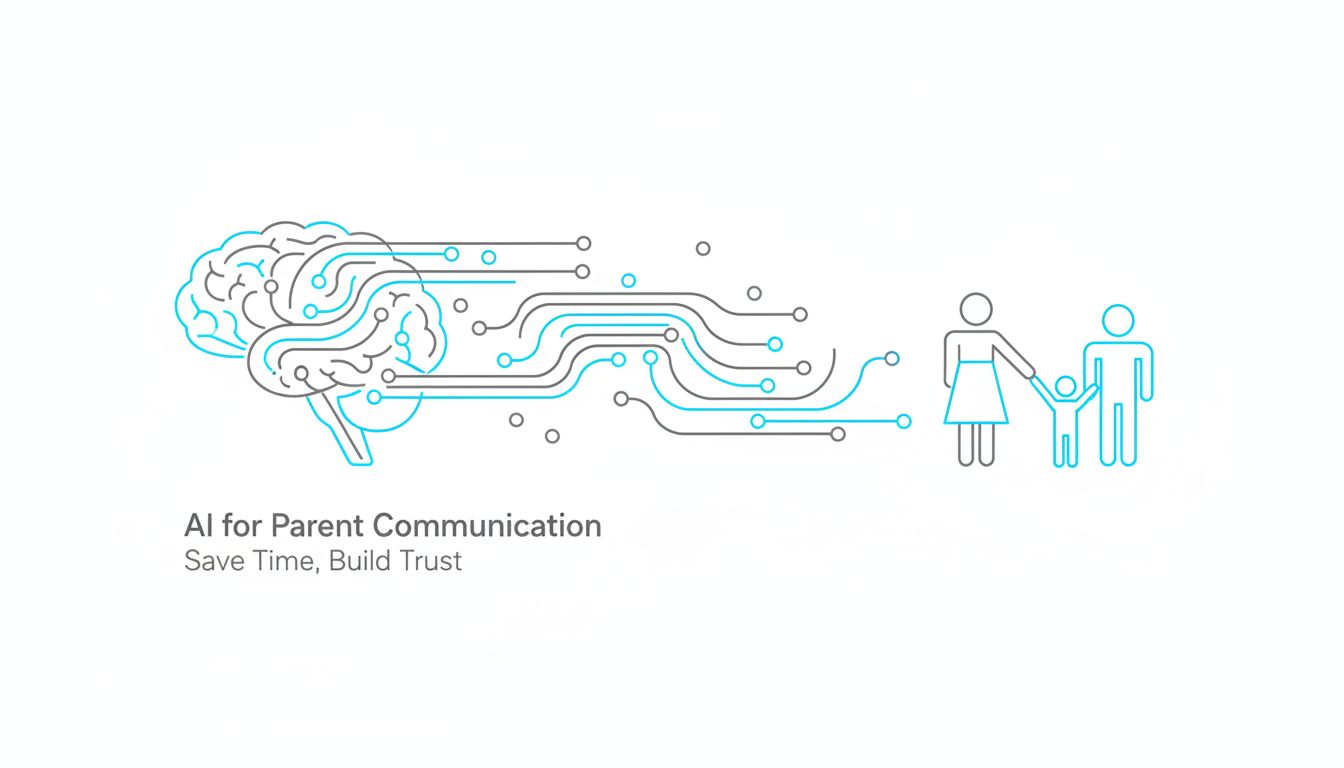
This is where AI for parent communication in schools actually matters. Not as a shiny gadget, but as a very practical way to protect your time and your energy, while still building trust with families.
The real time cost of keeping families in the loop
If you tracked every minute you spend on parent communication for a week, the total would probably shock you.
It is not just the obvious parts, like writing emails or messages in your LMS. It is the mental load.
You pause during planning to answer a “quick question” from a parent. You rewrite a sensitive email three times because the situation is tricky. You translate a note home for multiple languages, or wait for someone else to do it. You scroll old messages to remember what you told a family last month.
That is all invisible work.
AI does not teach your class. It cannot sit in a conference and read the room.
But it can take the heaviest, most repetitive part of communication, the blank page, the rephrasing, the translating, the formatting, and shrink it from 30 minutes to 5.
When you are trying to get your life back after 9 pm, that is not a small thing.
What changes (and what doesn’t) when AI enters the workflow
The first fear many teachers have is, “If I use AI, is it going to sound fake or take away my voice?”
That is the wrong question.
The better question is, “Where do I need my full human attention, and where am I basically copy-pasting the same idea with tiny variations?”
AI is great at:
- Drafting a first version of a message based on a short prompt
- Adjusting tone, shortening, or making language clearer
- Turning one core update into multiple formats
It does not replace:
- Your professional judgment about what to say
- Your relationships with families
- The empathy and nuance required for sensitive issues
Think of AI as a teaching assistant for your writing. It sets the table. You decide what is actually being served.
Tools like SchoolGPT are being built specifically for school workflows, so they understand that “progress report” and “behavior note” are not just generic emails. That matters.
[!NOTE] The win is not “AI writes for me.” The win is “I stop losing hours to tasks that do not need my full expertise.”
The hidden cost of doing everything manually
You already know manual communication takes time. What often gets missed is how it quietly reshapes your entire week.
Where your time actually goes in a typical week of family outreach
Picture a normal week in October.
You are sending:
- Quick notes about missing work
- Weekly updates or newsletters
- Behavior follow ups
- Logistics reminders for trips, tests, events
On paper, none of these is huge. Ten minutes here, seven minutes there.
Now zoom out.
| Task type | Avg. time per item | Items per week | Time per week |
|---|---|---|---|
| Individual behavior / concern note | 10, 15 minutes | 5, 10 | 1, 2.5 hours |
| Weekly update / newsletter | 30, 45 minutes | 1 | 0.5, 0.75 hour |
| Logistics reminders | 10 minutes | 3, 5 | 0.5, 1 hour |
| Translation / rephrasing | 5, 15 minutes | 5, 10 | 0.5, 2 hours |
Suddenly you are looking at 3 to 6 hours in a “normal” week. Not counting crisis weeks.
Most teachers squeeze this into planning periods that were meant for… actual planning. Or they push it to evenings and weekends.
That is the hidden cost. You are trading prep, rest, and presence in the classroom so your inbox does not explode.
How manual communication amplifies stress during peak times
Now add peak stress.
Report cards. Conferences. Behavior issues that spike after breaks. Testing season.
The communication load does not just increase in quantity. It changes in quality. More emails are:
- High stakes
- Emotionally charged
- Time sensitive
Manual communication under those conditions tends to produce one of three outcomes.
- You rush. Messages are shorter, less clear, more reactive.
- You delay. Families wait longer, which often makes the situation worse.
- You burn out. You still get it done, but at the cost of your evenings, sleep, or patience.
AI does not remove the hard conversations. It does something subtler.
It gives you a head start each time. It reduces the friction to “get started” so you are not choosing between quality and speed.
That shift alone can lower the temperature on your most stressful weeks.
How to decide if AI tools are a good fit for your classroom
You do not need to become “an AI teacher.” You just need a clear way to decide where and how it can serve you.
Here is a simple framework.
A simple framework: clarity, control, and consistency
When you evaluate AI tools, look at three levers: clarity, control, and consistency.
Clarity Does the tool help you say things more clearly to families?
- Can it simplify complex instructions into parent friendly language?
- Can it translate without losing the core meaning?
- Can it adapt messages for different grade levels or reading levels?
If it cannot reliably improve clarity, it is probably not worth your time.
Control Do you feel in charge of what goes out in your name?
- Can you easily edit, reject, or tweak drafts?
- Can you choose tone, length, and level of detail?
- Can you stop your messages from sounding generic or “AI-ish”?
A good tool should feel like a helpful co-writer, not a script generator you are stuck with.
Consistency Does it help you keep a steady, predictable flow of communication?
- Can you create reusable patterns, like a weekly “What we learned” update?
- Can you quickly adapt templates for individual students?
- Can it help align your communication style with your grade team or school?
If an AI tool makes it easier to be consistent over time, that is a strong sign it is a good fit.
SchoolGPT, for example, is built around this kind of workflow. It uses school-specific prompts and guardrails so you stay in control, while still getting the benefit of speed and consistency.
[!TIP] Before adopting any AI tool, write down 2 or 3 communication tasks you actually dislike or consistently avoid. Judge the tool only on how well it helps with those.
Key questions to ask about privacy, tone, and alignment with your school
Even if you are excited about AI, you still have to keep your students and school policies safe.
Here are practical questions to ask, either of yourself or your admin team.
Privacy
- What student information, if any, is being stored by the tool? Where?
- Is student data used to train the model, or is it isolated?
- Can I use the tool effectively without including full names or sensitive details?
A tool like SchoolGPT is designed with education in mind, so student data handling is part of the core design, not an afterthought. That is not true for every generic AI app.
Tone
- Can the AI learn or follow our school’s communication norms?
- Can I define “non negotiables” like avoiding blame, assuming goodwill, using asset based language?
- Does it offer multiple tone options, such as “warm but firm” or “professional and direct”?
Alignment
- Does this match our school’s family engagement philosophy, or undercut it?
- Will using this tool help more teachers communicate more often, or just add one more platform to juggle?
- How will we explain AI assisted communication to families, if at all?
If a tool cannot pass those basic checks, it is not the right fit, no matter how impressive the demo looks.
Practical AI workflows teachers are using right now
Concepts are nice. What you really need is, “What would this look like on Tuesday at 4:15 when I am exhausted?”
Here are workflows that real teachers are using to save time while still sounding like themselves.
From blank page to polished parent email in minutes
Imagine a student, Jordan, who has been missing homework, but doing fine in class.
In the “old” workflow, you might spend 20 minutes crafting a message that is:
- Honest but not shaming
- Specific but not overwhelming
- Inviting, not accusatory
With AI, your process could look like this:
You type a quick prompt into SchoolGPT or your chosen tool:
“Draft a short, warm email to Jordan’s parent or caregiver. Jordan is engaged in class and participates, but has not turned in the last 3 homework assignments. I want to share this as an early heads up, emphasize that Jordan is capable, and invite the family to share if there is anything I should know. Keep it under 200 words.”
The AI generates a draft. You scan it in 30 seconds.
You edit a few phrases to sound more like you. Maybe you add a specific example or tweak a sentence.
You send.
Total time: 4 or 5 minutes.
The key here is not that the AI “knows” Jordan. It does not.
It just removes the hardest part, going from nothing to something that is 80 percent there.
You apply your judgment to the last 20 percent.
Turning one update into many: newsletters, reminders, and translations
You can squeeze a lot more value out of a single message if you let AI do the repurposing for you.
Start with a core update. For example, a weekly summary:
“Here is what we did in class this week, what is coming next week, and any key reminders.”
Now, let AI turn that into multiple formats:
- A short version for your LMS announcements
- A text message style version for families who prefer SMS
- Translated versions in your community’s top languages
- A version rewritten at a lower reading level for accessibility
Workflow example:
You write a basic weekly update in your own words.
Paste it into SchoolGPT and ask:
“Rewrite this in 3 formats:
- 120 word email for parents.
- 2 sentence SMS style reminder, friendly tone.
- Translated to Spanish, same tone, clear and simple.”
Skim each version. Copy and paste where needed.
One message becomes many, without multiplying your workload.
This is where AI is quietly powerful. It does the tedious adaptation that used to take you half a planning period.
[!IMPORTANT] AI is excellent at translating and simplifying. You are still responsible for checking that nothing sensitive or culturally off lands in those translations.
Templates that still sound like you, not a robot
The fear of sounding robotic is real. The solution is not to avoid AI. It is to teach it who you are.
Think in terms of “human first, AI supported templates.”
Write one or two versions of a message in your real voice. For example:
- A “missing assignment” note
- A “your child had a tough day behaviorally” note
- A positive “shout out” note
Save these as your base templates.
Use AI to adapt them for new situations.
For instance, you might say:
“Using my template below, create a new message for a student who has missed three homework assignments in the last two weeks. Keep my tone and phrasing. Update the details in brackets.”
Paste your original template underneath.
Over time, tools like SchoolGPT can store these as your personal communication styles. You are not pulling from a generic library. You are pulling from “you,” with AI doing the repetitive editing.
The result is surprisingly consistent. Parents feel like they are hearing from the same teacher every time, not a rotating cast of AI personalities.
Staying in control: safeguards, boundaries, and next steps
Using AI for communication is less about technology, more about habits. You get the most benefit when you decide in advance what you will automate and what you will always keep human.
What to keep human, no matter how good the AI gets
Some messages need your full, unfiltered presence.
As a rule of thumb, keep these human drafted, even if AI helps with tiny edits for clarity:
- Initial outreach about serious behavior incidents
- Conversations about mental health, safety, or family crises
- Nuanced discussions about accommodations or evaluations
- Anything where a misstep could seriously damage trust
You might still use AI in a small way:
- To turn your drafted paragraphs into clearer, parent friendly language
- To suggest alternative phrasings if you are worried about sounding harsh
- To help you cut a long message down without losing key points
But the content, the judgment, the decision to say A instead of B, that should come from you.
Simple habits to review, refine, and improve your AI-assisted messages
If you want AI to actually make your life easier instead of messier, you need light, repeatable habits.
Here are three that work.
1. The 30 second skim rule
Never send an AI generated message without reading it. But you also do not need to overthink it.
Give yourself a 30 second skim:
- Does this sound like something I would say?
- Is there anything that feels off, too formal, or too generic?
- Are all names, dates, and details correct?
If “yes” across the board, send. Do not spiral.
2. The “save what works” habit
When you send a message and think, “That turned out really well,” do not trust yourself to remember how you wrote it.
Copy it into a simple doc, or into your SchoolGPT templates if you are using it.
Tag it by type. For example: “Positive note,” “Study skills reminder,” “Homework concern.”
Next time, start from that template and let AI adapt details. You get better and faster over time because your own best work is the foundation.
3. The monthly reflection
Once a month, take 10 minutes and ask:
- Where did AI actually save me time this month?
- Where did it add friction or confusion?
- What types of messages do I still dread writing?
Adjust your use based on real experience. Maybe you stop using AI for short, casual notes, because you are already quick there. Maybe you double down on using it for translations and longer updates.
That kind of reflection is what turns AI from a novelty into actual workload relief.
[!TIP] You do not have to automate every communication task. Automate the 20 percent that drains you the most, then use the time and energy you get back for the parts of teaching only you can do.
If you are curious where to start, pick one communication workflow and run a small experiment for two weeks.
For example:
- Use an AI tool like SchoolGPT to draft all weekly family updates.
- Or use it only for translating and adapting messages into multiple formats.
- Or use it to generate first drafts of positive notes for every student once a month.
At the end of those two weeks, ask yourself: Did this reduce my stress and save me time, without hurting trust with families?
If the answer is yes, you have your next step. Keep what works, discard what doesn’t, and gradually build your own AI assisted communication system that serves you and your students.